🌙 Dark Editorial
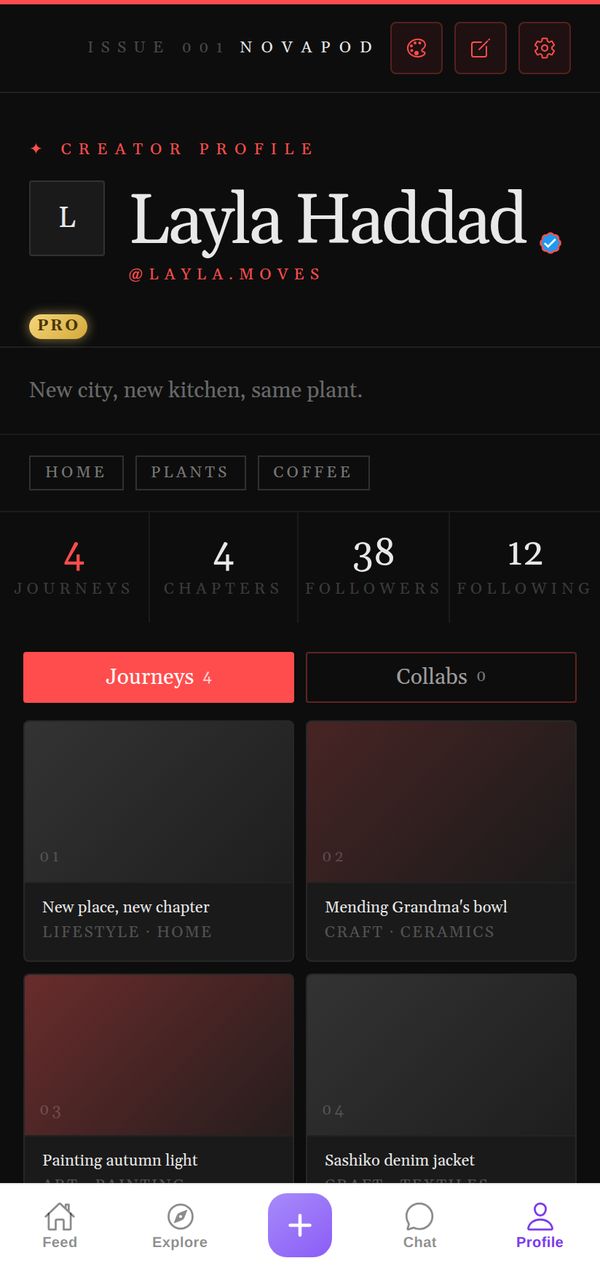
Black pages, sharp serif headlines and a layout that reads like the culture section of a good magazine. Every Journey looks like a feature story.
A closer look
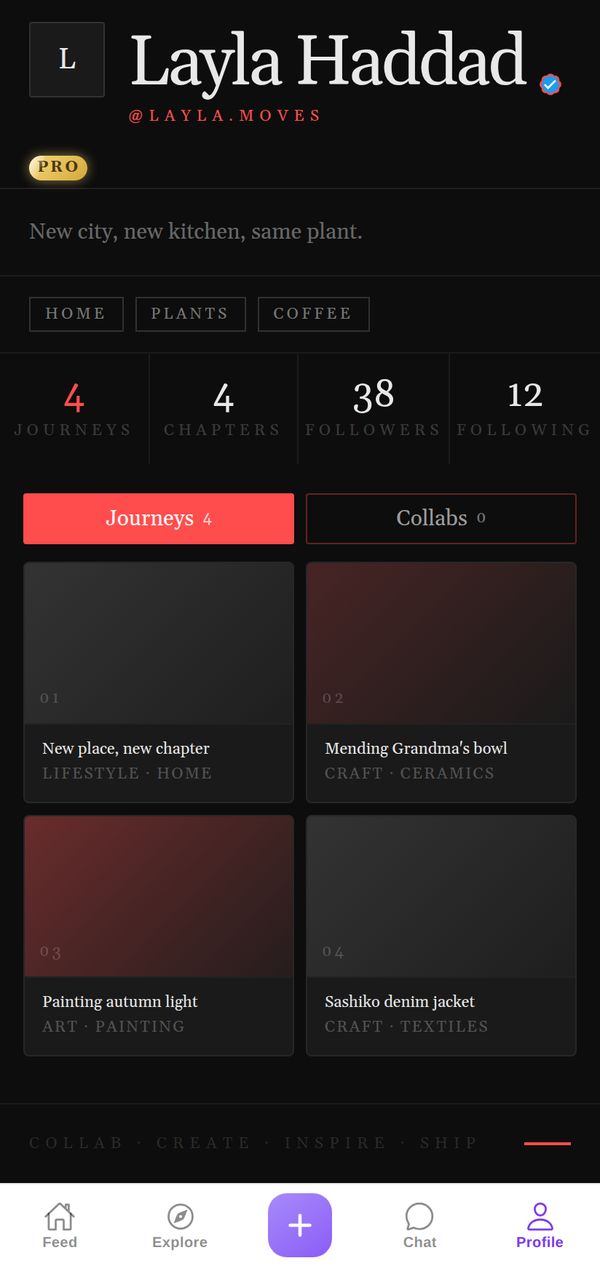
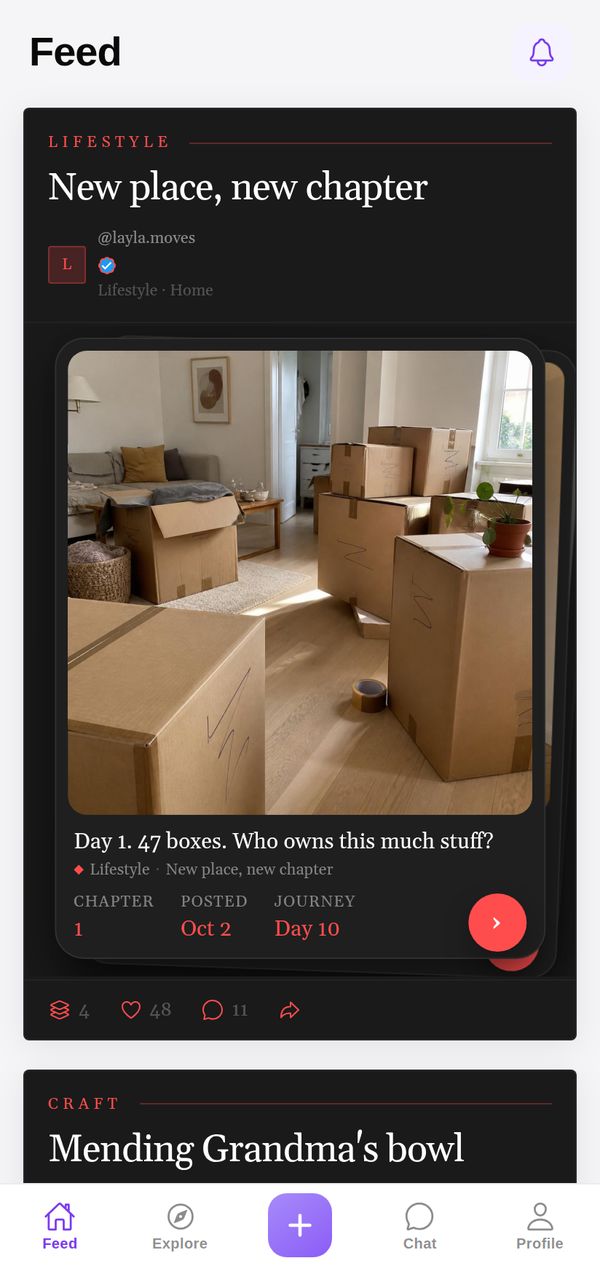
The page opens like the masthead of a magazine, Issue 001 NovaPod, with your name set big in a sharp serif and your handle in spaced red capitals underneath. Red accents mark the numbers and the active tab, your interests sit in thin outlined boxes, and each Journey is a numbered feature on a dark gradient tile. In the Feed every Chapter reads like an article: a small red section label, a serif headline and your photo below.
Made for
- Writers and photographers
- Fashion and style projects
- Anyone who likes it understated
It goes everywhere you go
A theme isn't just your profile background. Your Journeys show up in the Dark Editorial style in other people's Feed and in Explore too, so everything you post carries your look.
Tips for your photos
Dark Editorial rewards strong, simple photos: a portrait in side light, black-and-white shots, close-ups of fabric, a single object on a dark table. Give your Journeys real headlines, like you're writing for a magazine; the serif type makes good titles look great. Moody and high-contrast images look especially good on the black page.
How to use it
- Open your profileTap Profile in the tab bar.
- Tap the palette iconAt the top of your profile, next to edit and settings.
- Pick Dark EditorialFind it in the Store. Get it on its own, or with NovaPod Pro, which includes every premium theme.
Dark Editorial is one of 22+ themes on NovaPod, and a new one drops every Friday at 17:00 (Amsterdam time).
Make it yours
NovaPod is free on iPhone. Start a Journey, post Chapter 1, and give your profile a look that's really you.
More themes
🍬 Soft Pastel
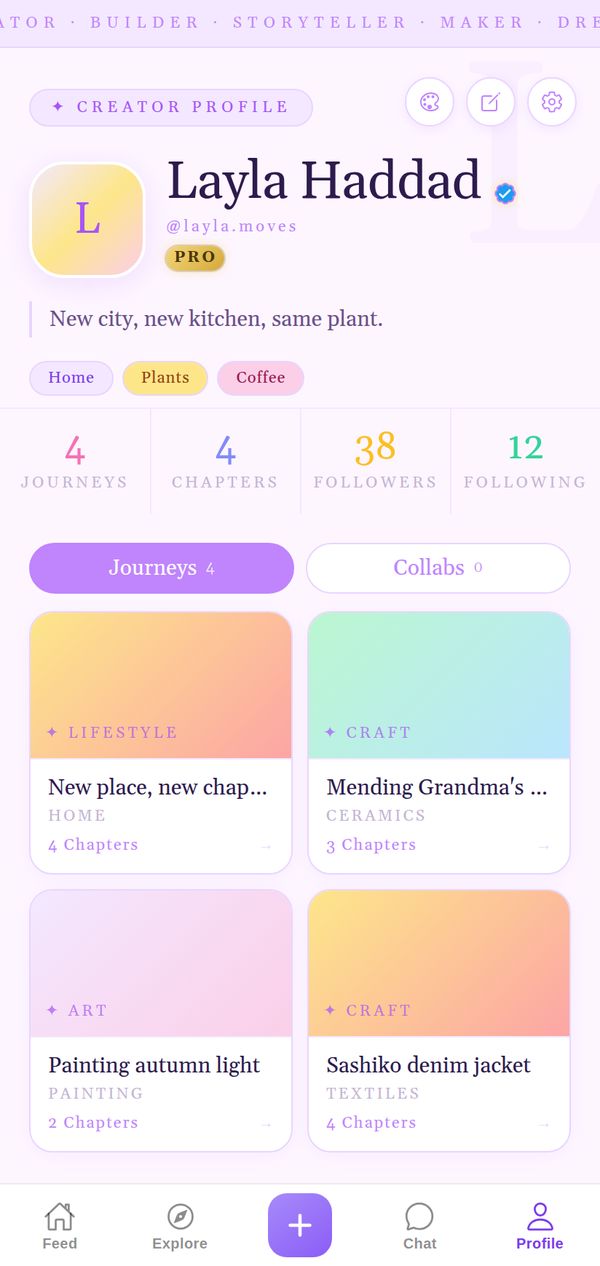
Dreamy purples, bubbly and gentle.
Premium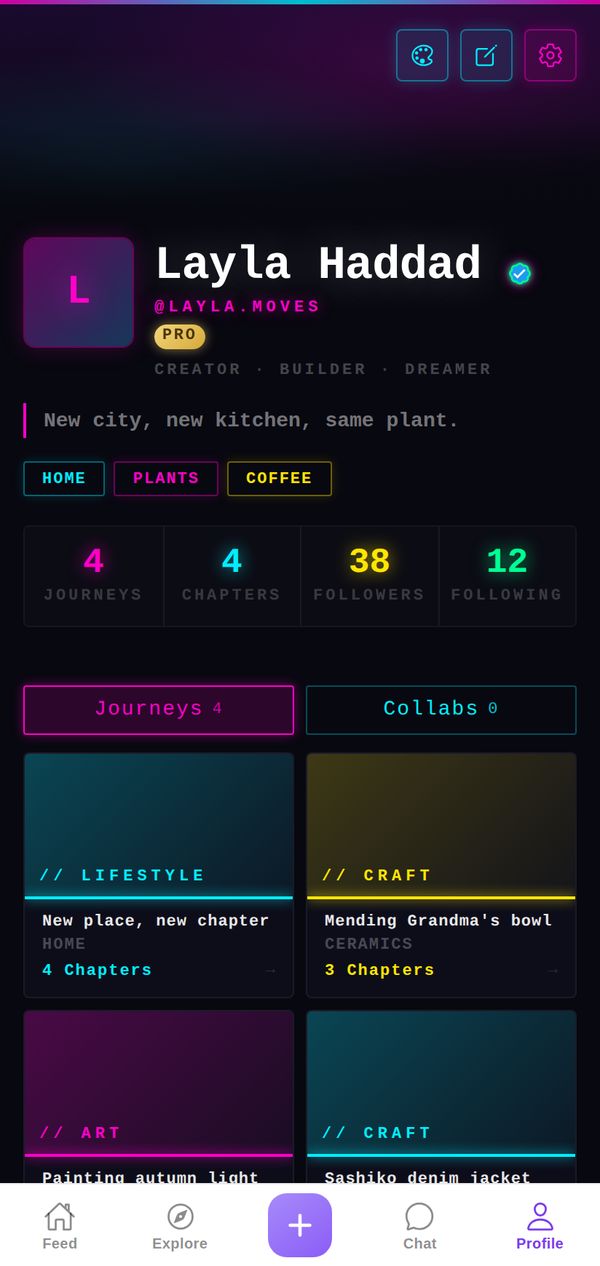
⚡ Cyberpunk
Neon on black, glitch vibes, electric.
Premium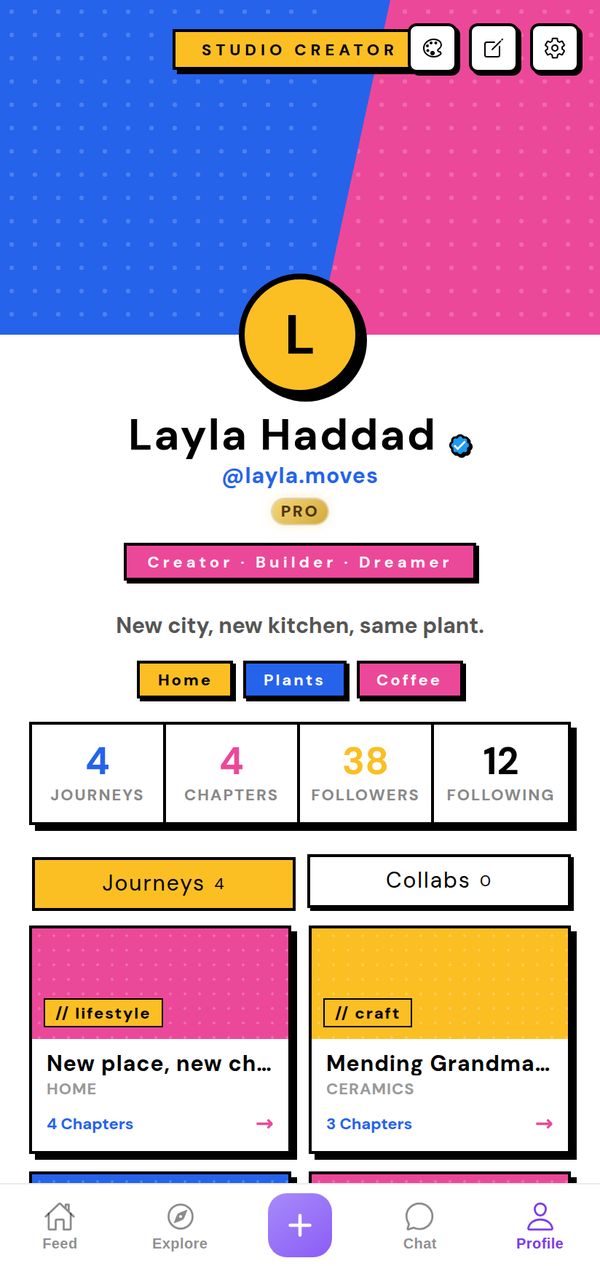
🎨 Studio Pop
Bold colours, pop-art energy, brutalist cards.
Premium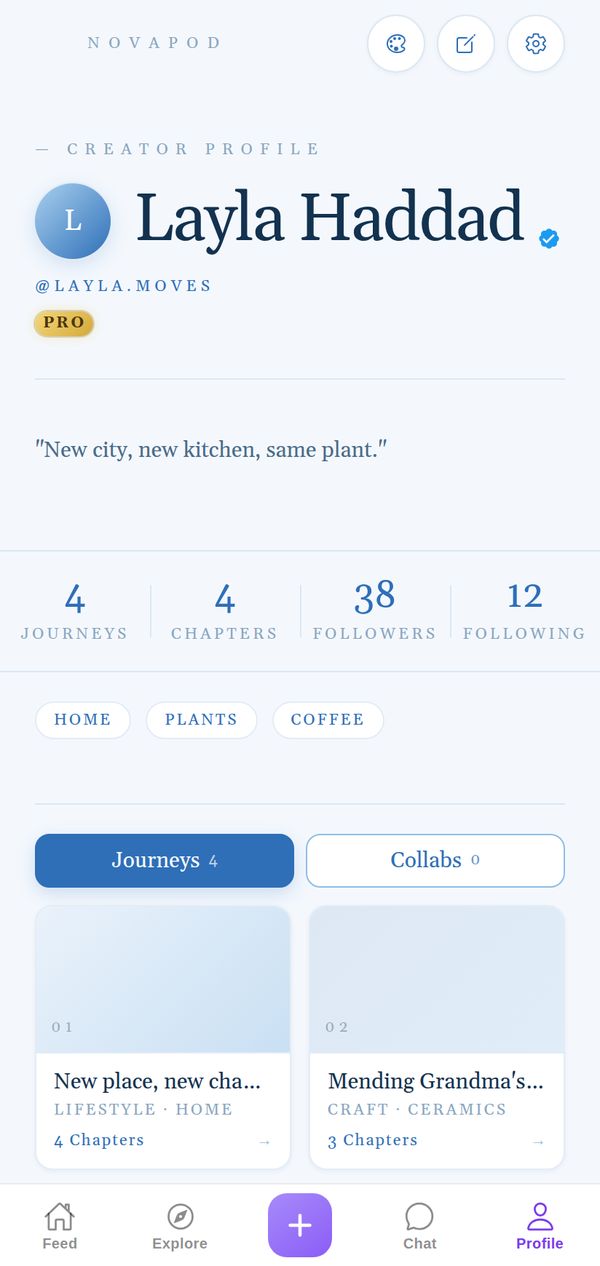
🕊️ Azure
Airy sky blues, fine serif, quiet luxury.
Premium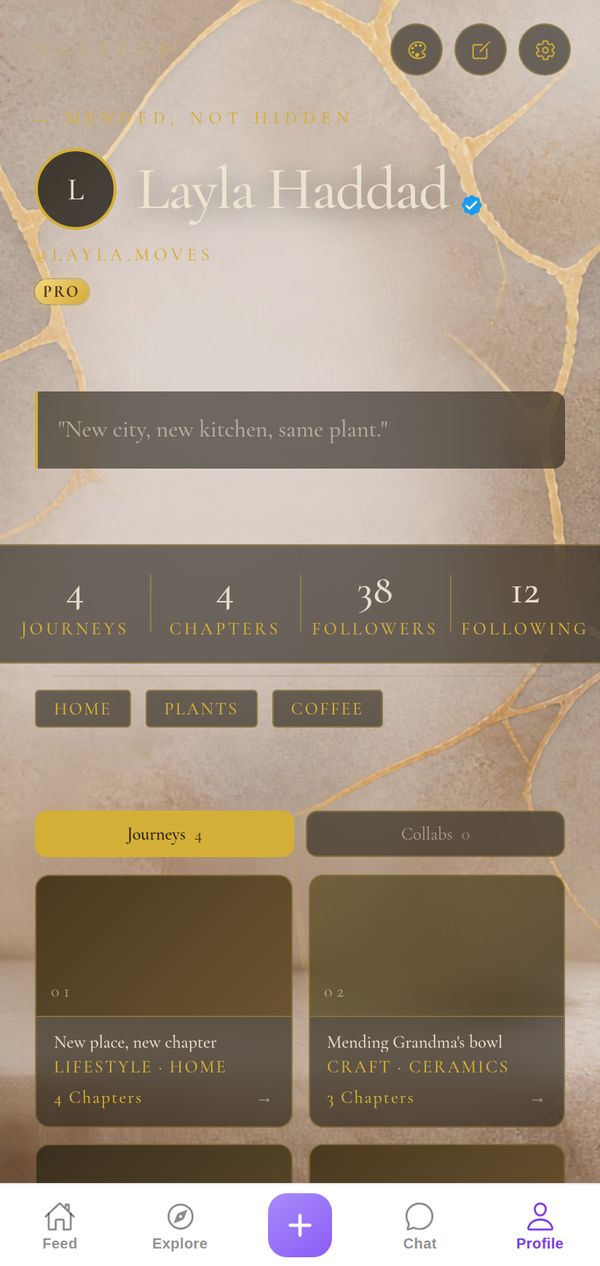
🏺 Kintsugi
Gold seams on stone: every crack, mended with care.
Premium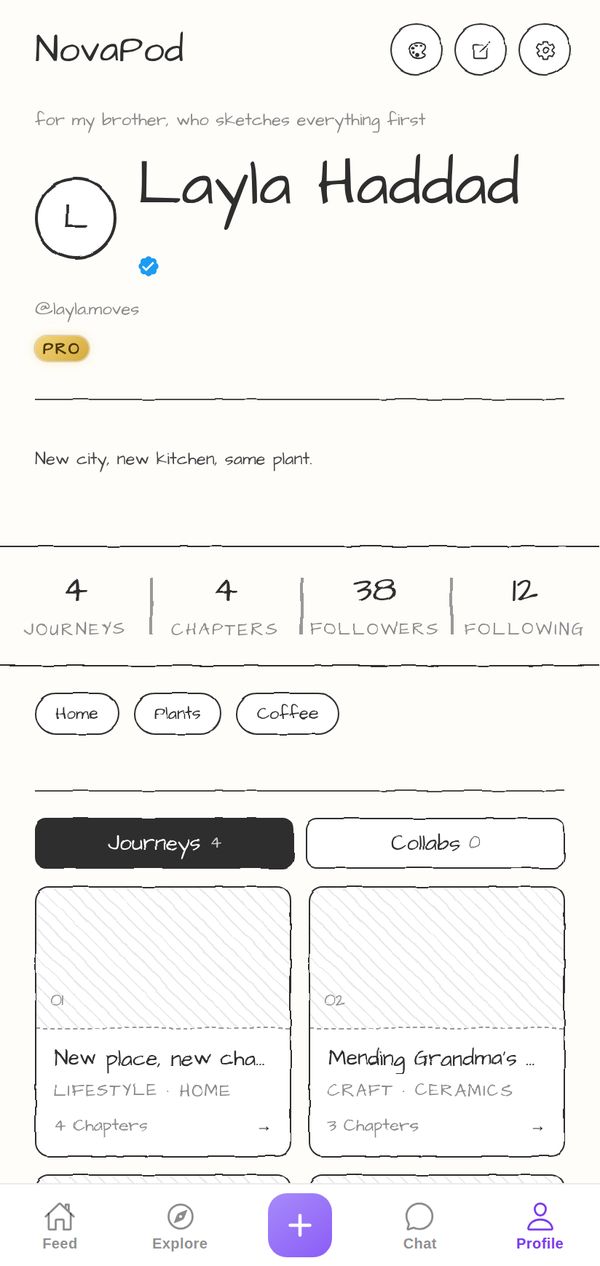
✏️ Pencil
Paper white, graphite ink, hand-drawn wobble.
Premium