🕊️ Azure
Pale sky blue, white space and a delicate serif. Azure is quiet luxury for your profile: light, elegant and effortless.
A closer look
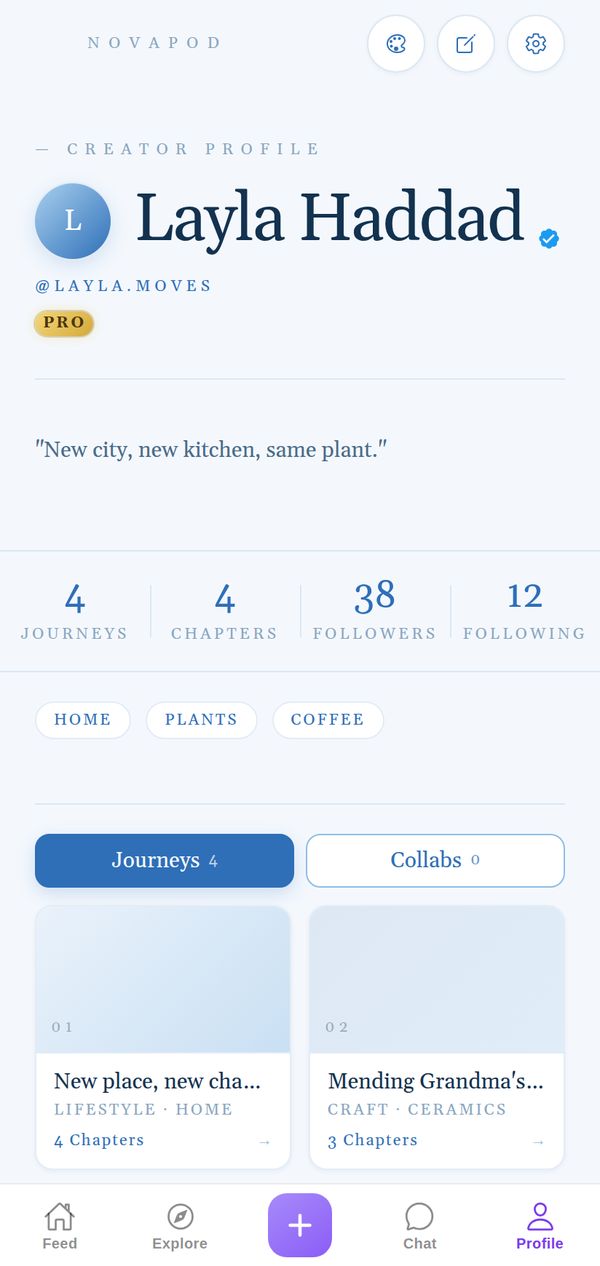
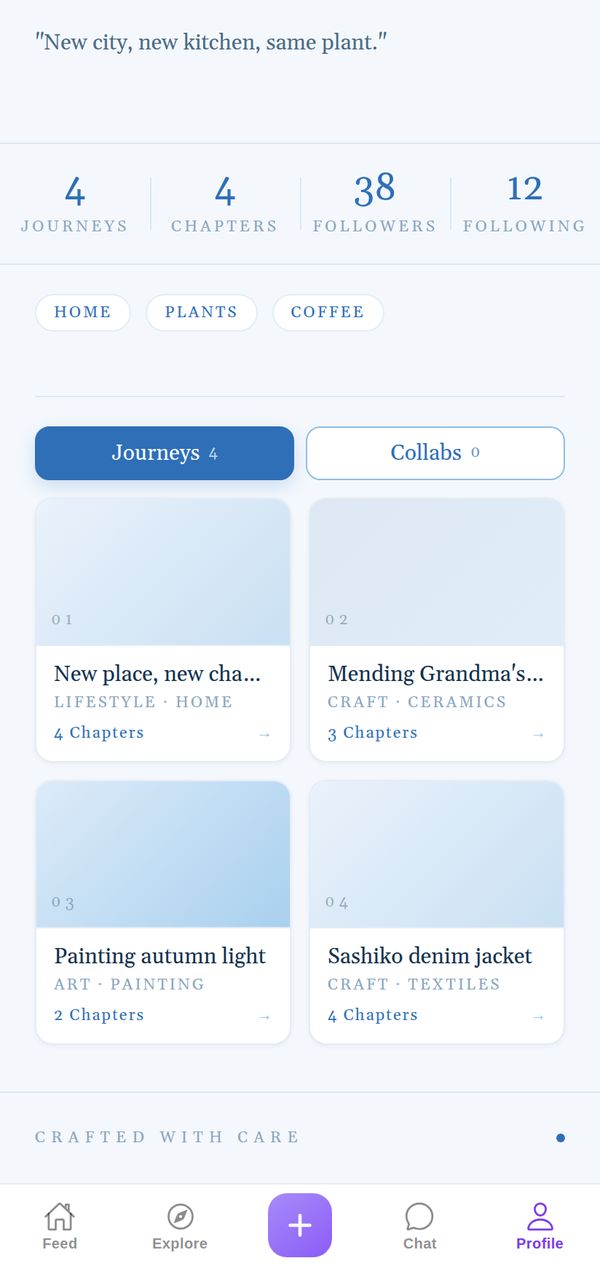
A pale blue page with lots of white space, a delicate serif and a small NovaPod masthead in spaced capitals. Your avatar is a round blue badge, your bio sits in quotation marks, and your interests are outlined pills in soft blue. The Journeys button is a deep sky blue, the Journey cards are numbered and fade from white to blue, and the page signs off with Crafted with care.
Made for
- Travel and wellness creators
- Wedding and event planners
- Anyone who likes it airy and elegant
It goes everywhere you go
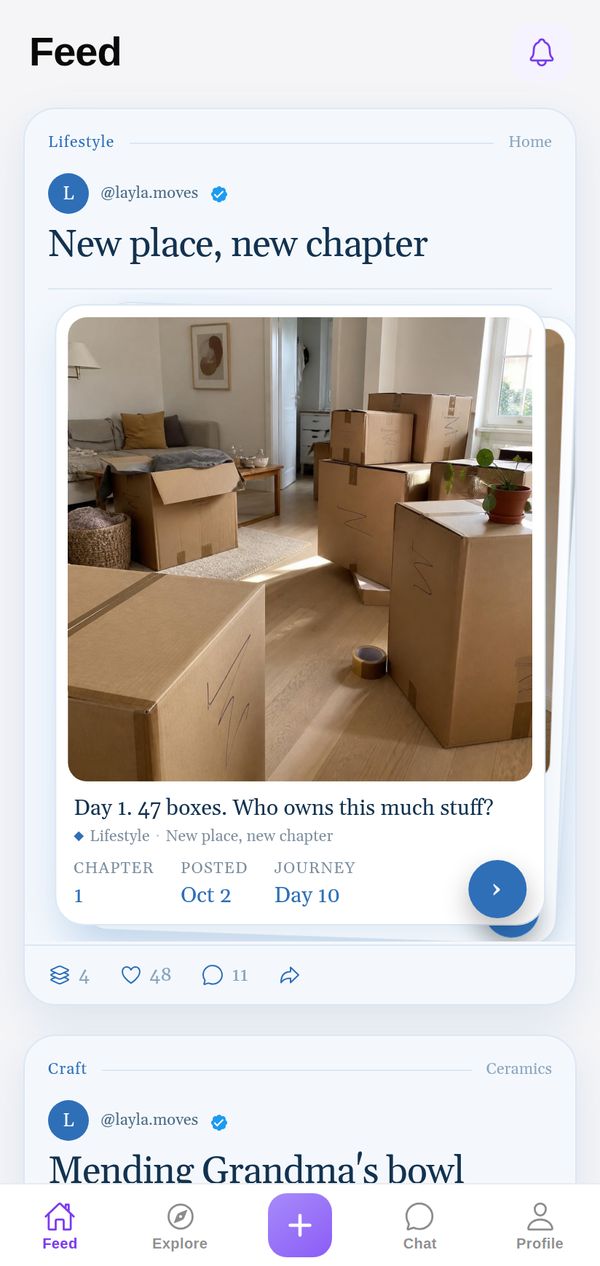
A theme isn't just your profile background. Your Journeys show up in the Azure style in other people's Feed and in Explore too, so everything you post carries your look.
Tips for your photos
Azure loves light: seaside photos, white rooms, linen, flowers, ceramics, wedding details and anything shot in soft morning sun. Keep your photos bright and slightly cool and they'll blend into the sky-blue page. It's an elegant choice for wellness, travel and event planning Journeys.
How to use it
- Open your profileTap Profile in the tab bar.
- Tap the palette iconAt the top of your profile, next to edit and settings.
- Pick AzureFind it in the Store. Get it on its own, or with NovaPod Pro, which includes every premium theme.
Azure is one of 22+ themes on NovaPod, and a new one drops every Friday at 17:00 (Amsterdam time).
Make it yours
NovaPod is free on iPhone. Start a Journey, post Chapter 1, and give your profile a look that's really you.
More themes
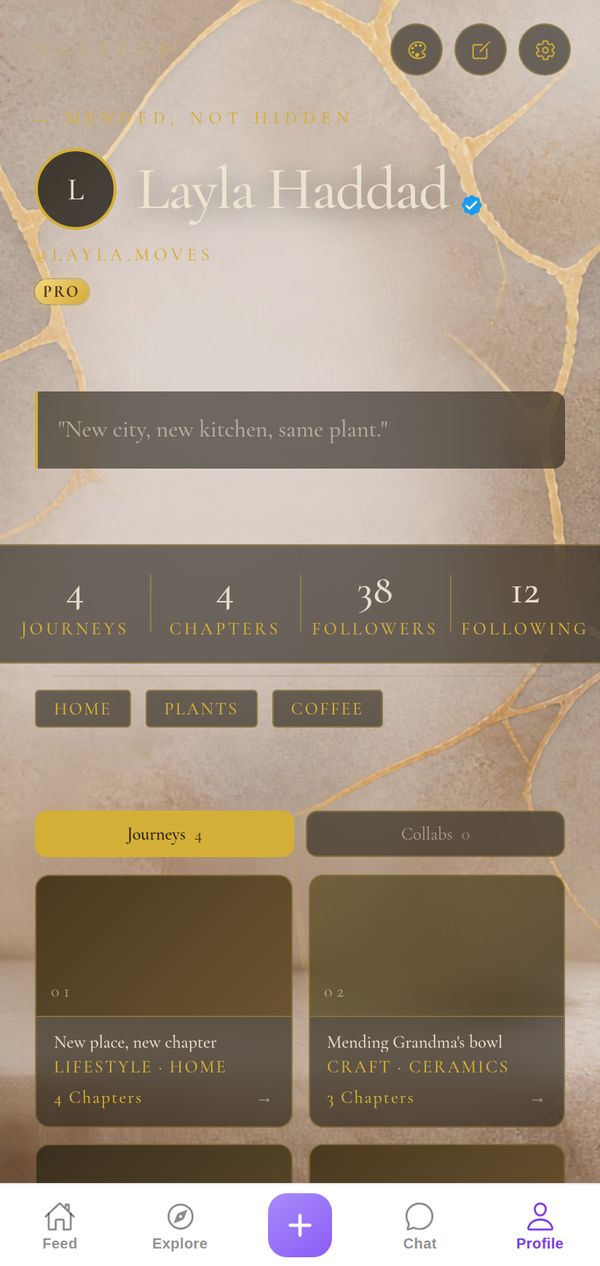
🏺 Kintsugi
Gold seams on stone: every crack, mended with care.
Premium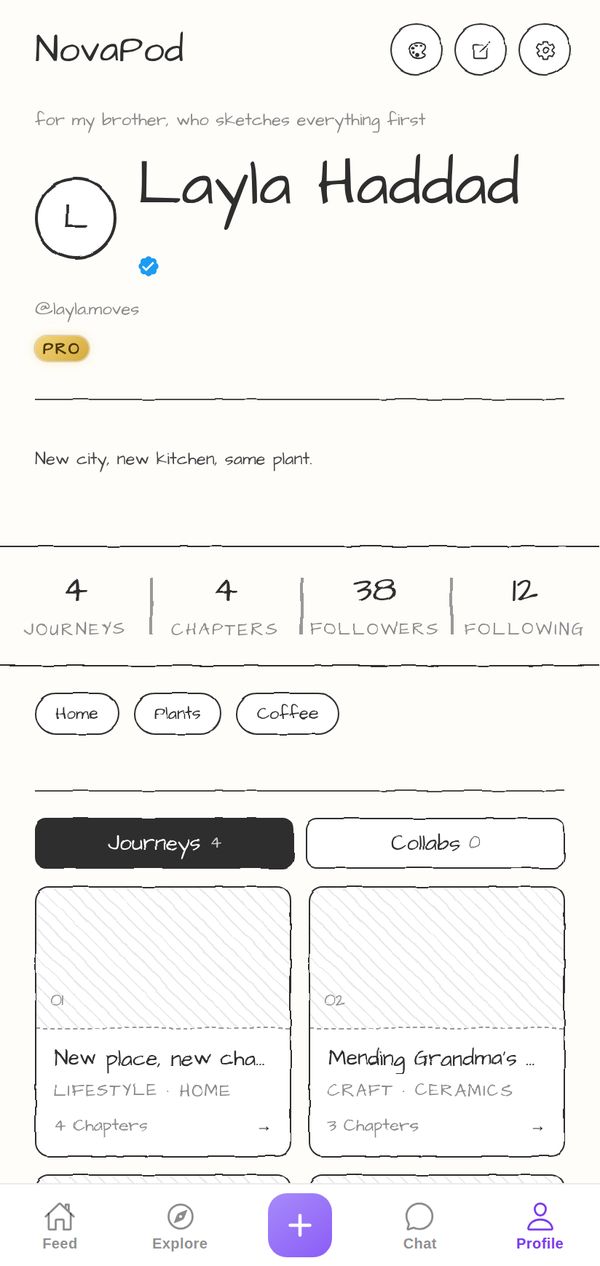
✏️ Pencil
Paper white, graphite ink, hand-drawn wobble.
Premium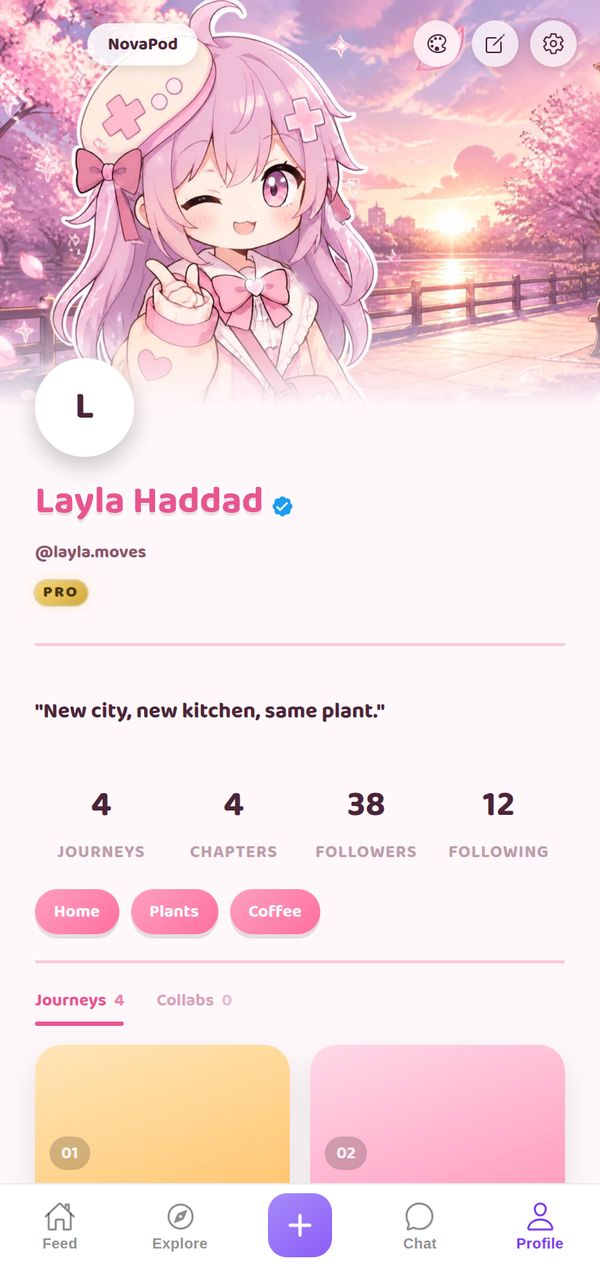
🌸 Anime: Sakura
Cherry-blossom header art, playful bubbly pink.
Premium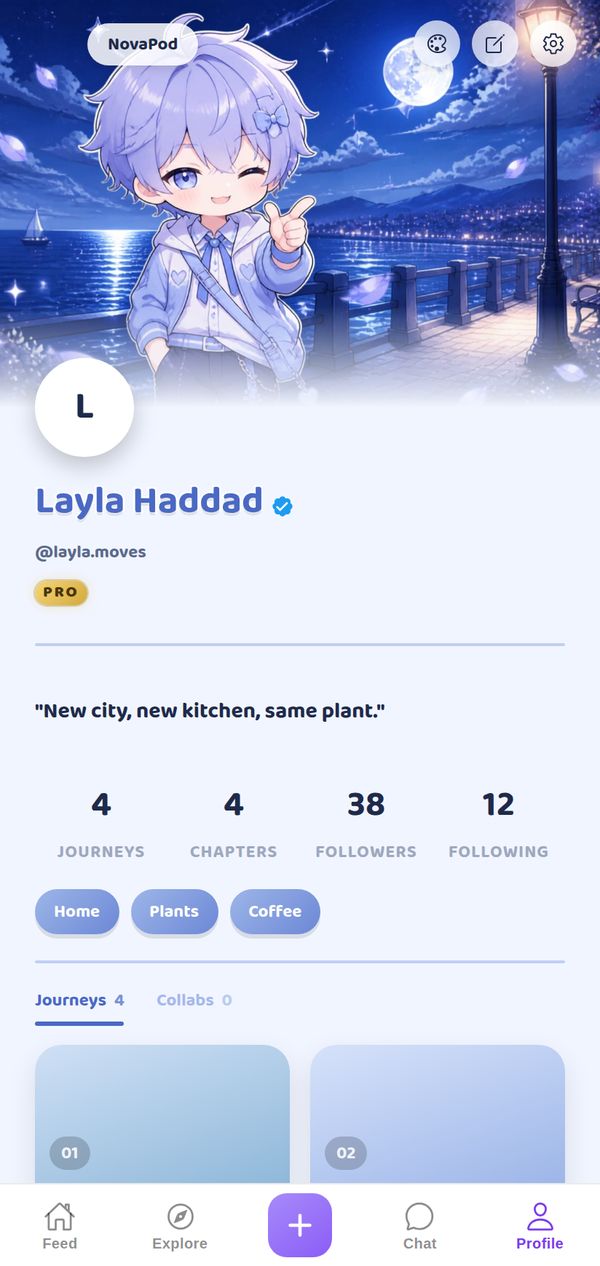
🌙 Anime: Moonlit
Night-sky header art, playful bubbly blue.
Premium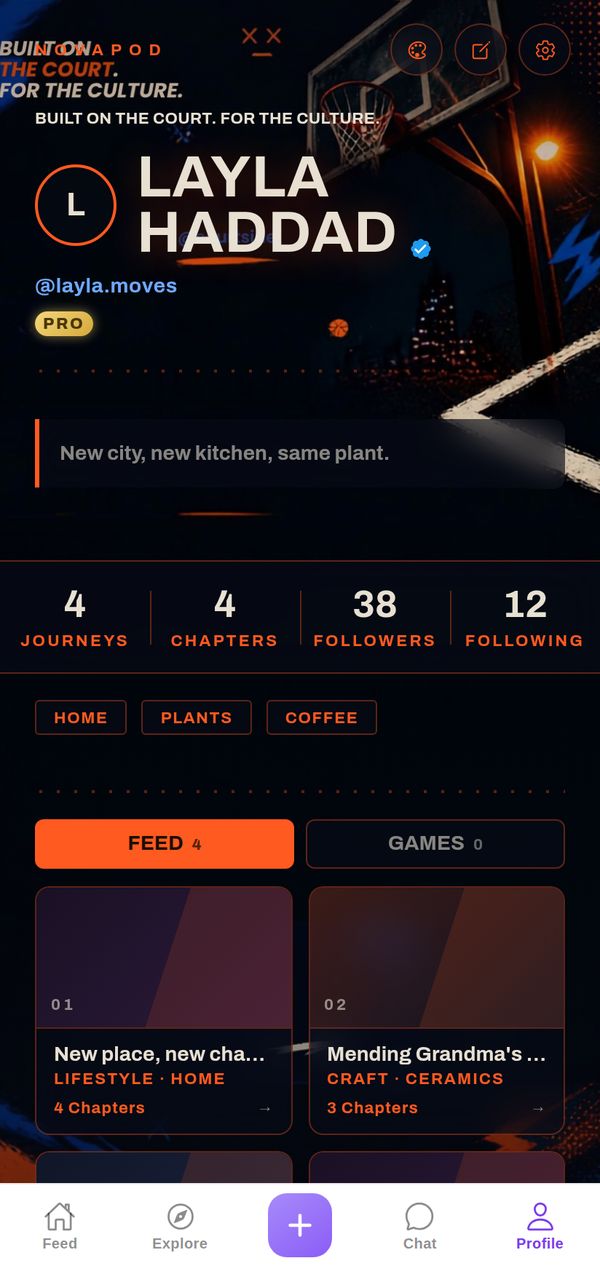
🏀 Hoops
Night-court photo, hot orange on navy, streetball energy.
Premium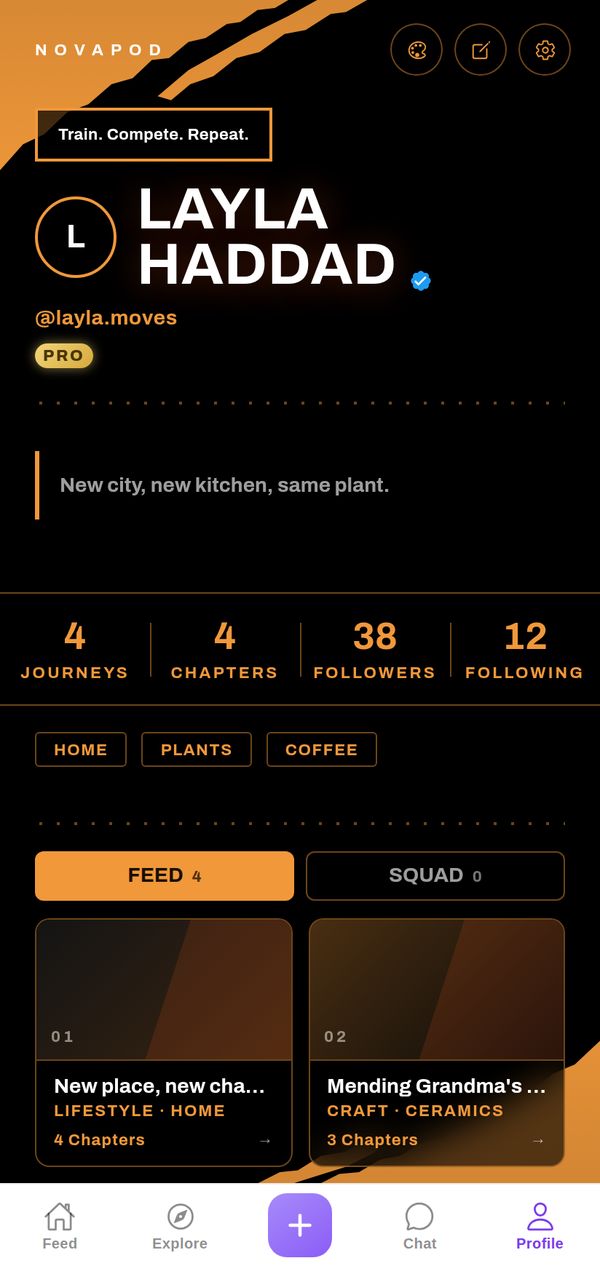
🏆 Elite Athlete
Pure black, torn orange brush strokes, heavy white type.
Premium