✏️ Pencil
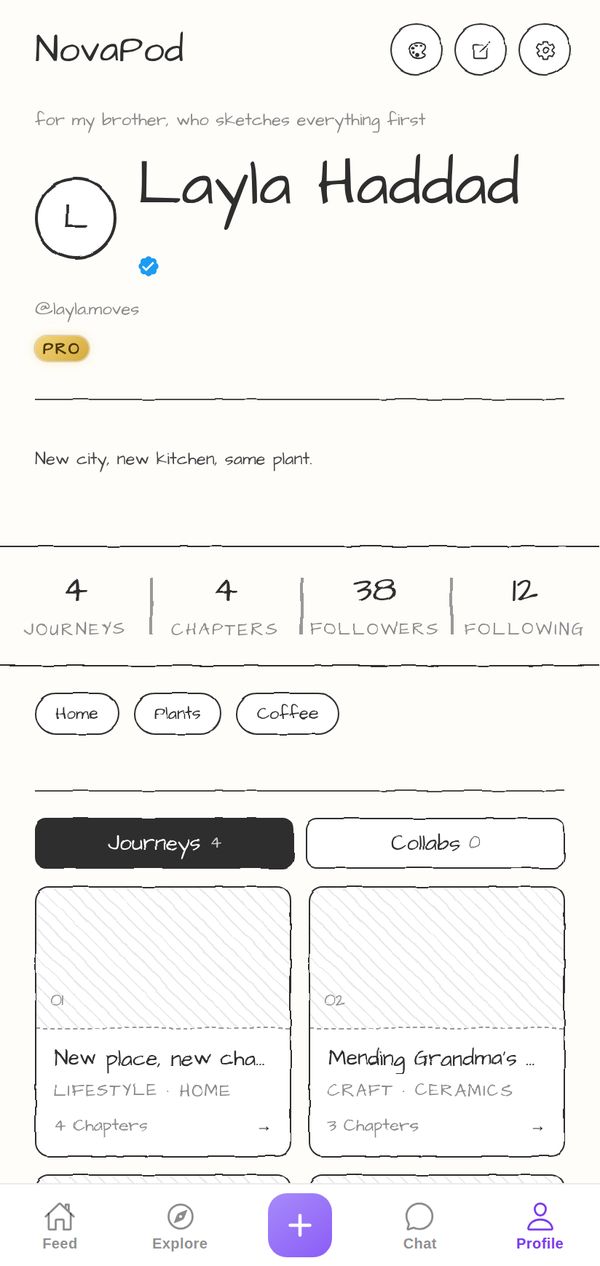
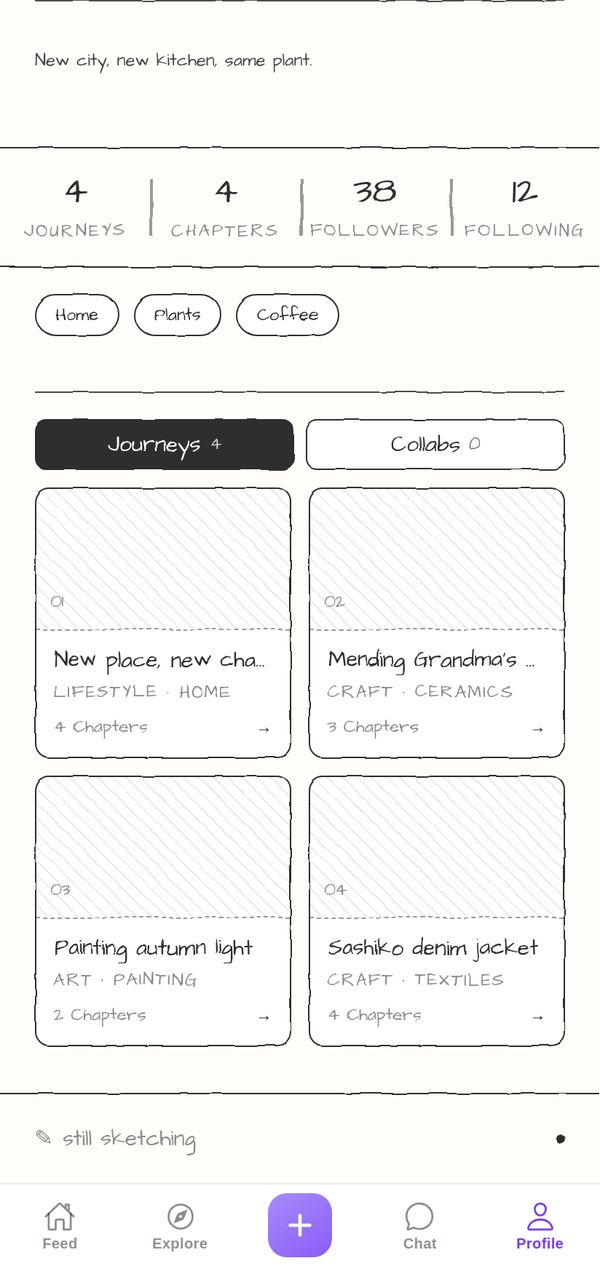
Your profile as a page from a sketchbook: graphite lines, a hand-drawn wobble and handwritten type. It looks like you drew it yourself, because the best ideas start in pencil.
A closer look
Every line on the page looks drawn by hand: wobbly rules, sketched boxes and handwritten type on paper white. Your interests are hand-drawn pills, your stats are separated by pencil strokes, and the Journeys switch is a solid graphite button next to an outlined one. Journey cards without a photo are shaded with hatching, like a sketch waiting to be finished, and the page ends with a little pencil and the words still sketching.
Made for
- Illustrators and sketchers
- Students and note-takers
- Early-stage ideas
It goes everywhere you go
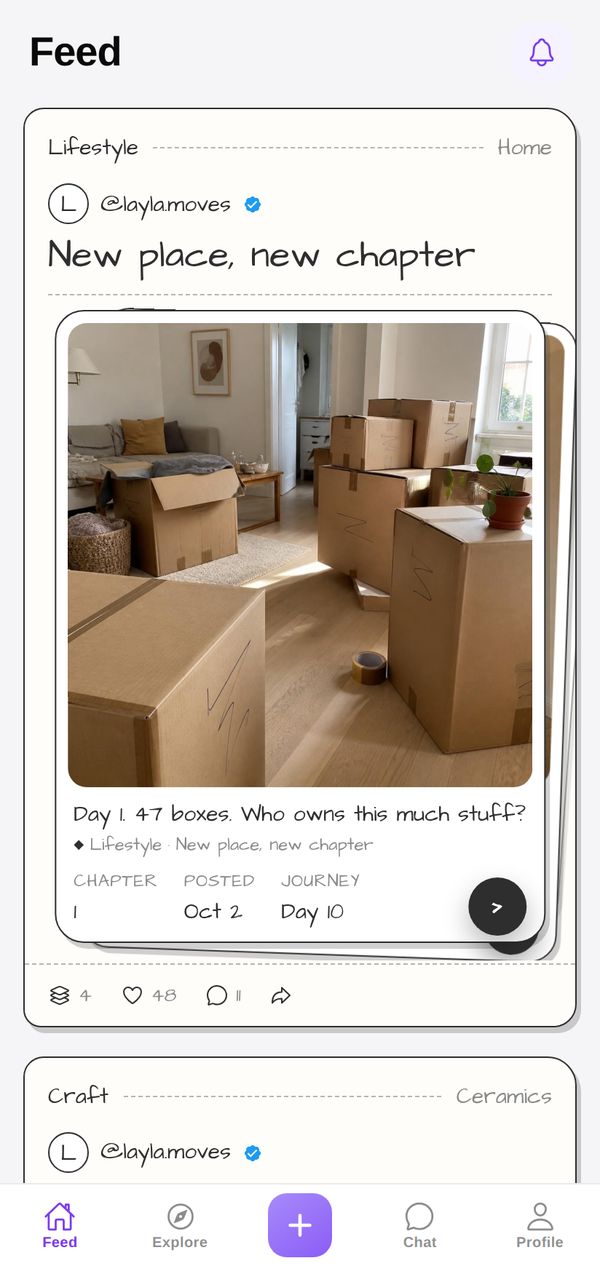
A theme isn't just your profile background. Your Journeys show up in the Pencil style in other people's Feed and in Explore too, so everything you post carries your look.
Tips for your photos
Pencil is perfect for early ideas: sketches, notebook pages, plans on graph paper, storyboards and first drafts. Black-and-white and muted photos look natural on the paper page. If you scan or shoot your drawings flat in daylight, they'll look like they were drawn straight onto your profile.
How to use it
- Open your profileTap Profile in the tab bar.
- Tap the palette iconAt the top of your profile, next to edit and settings.
- Pick PencilFind it in the Store. Get it on its own, or with NovaPod Pro, which includes every premium theme.
Pencil is one of 22+ themes on NovaPod, and a new one drops every Friday at 17:00 (Amsterdam time).
Make it yours
NovaPod is free on iPhone. Start a Journey, post Chapter 1, and give your profile a look that's really you.
More themes
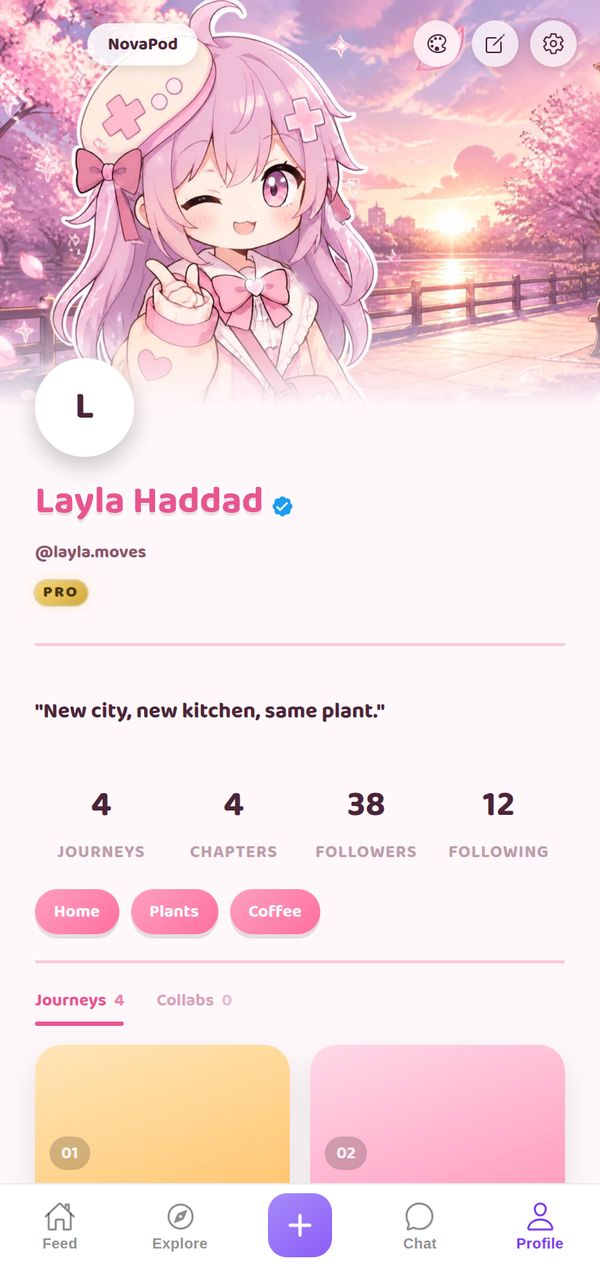
🌸 Anime: Sakura
Cherry-blossom header art, playful bubbly pink.
Premium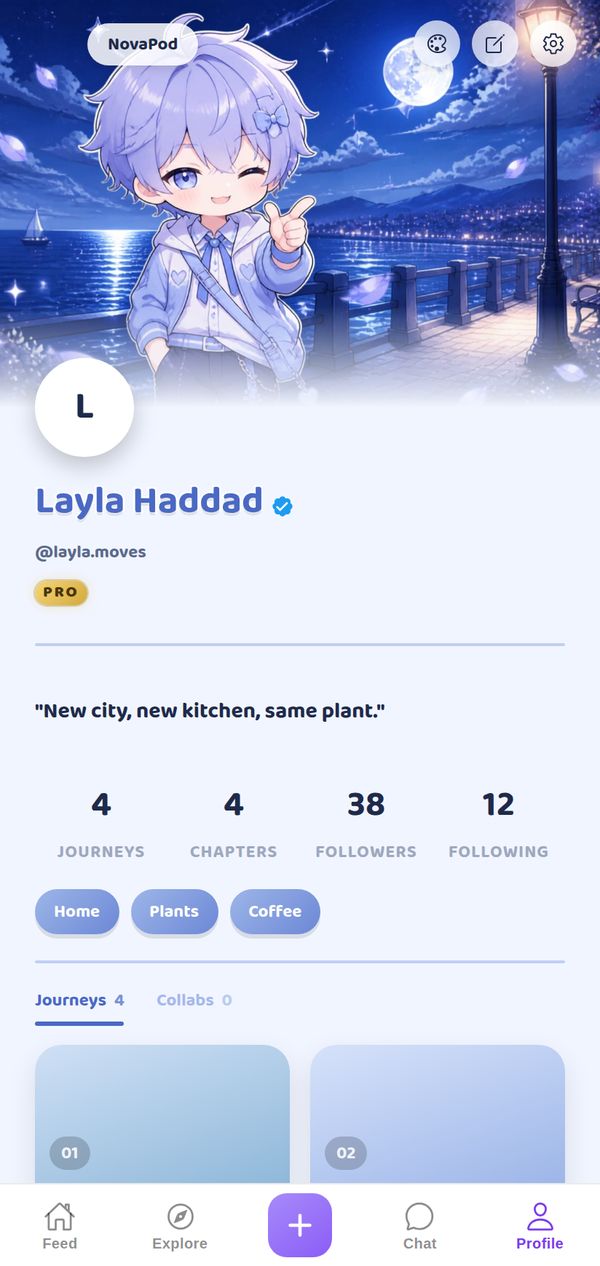
🌙 Anime: Moonlit
Night-sky header art, playful bubbly blue.
Premium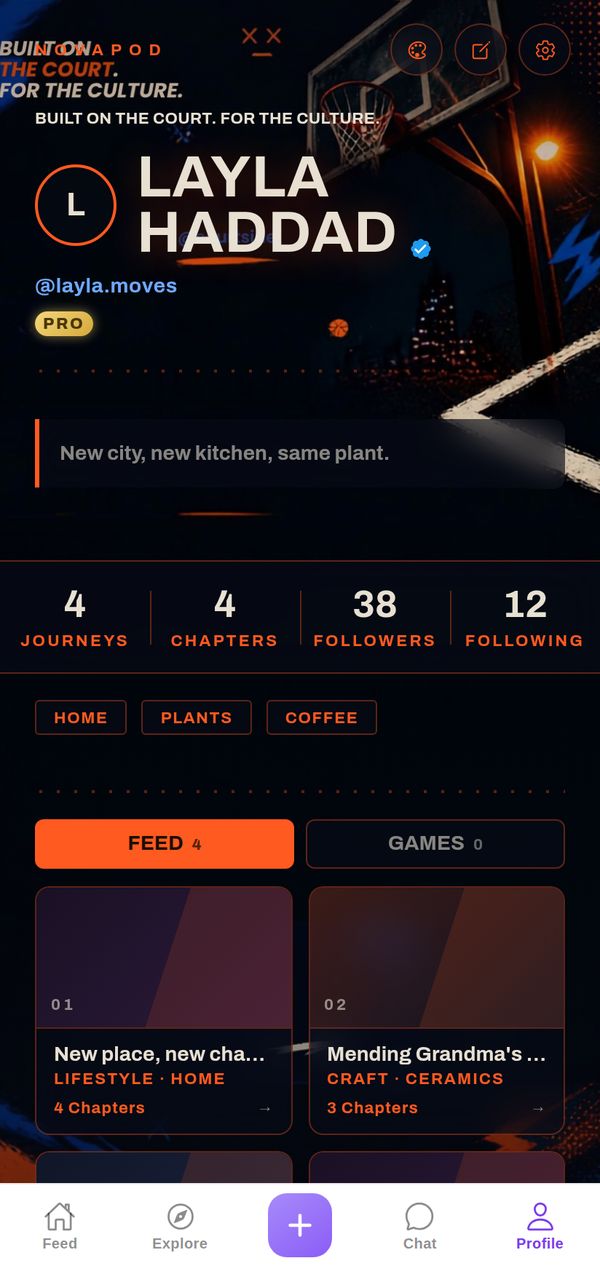
🏀 Hoops
Night-court photo, hot orange on navy, streetball energy.
Premium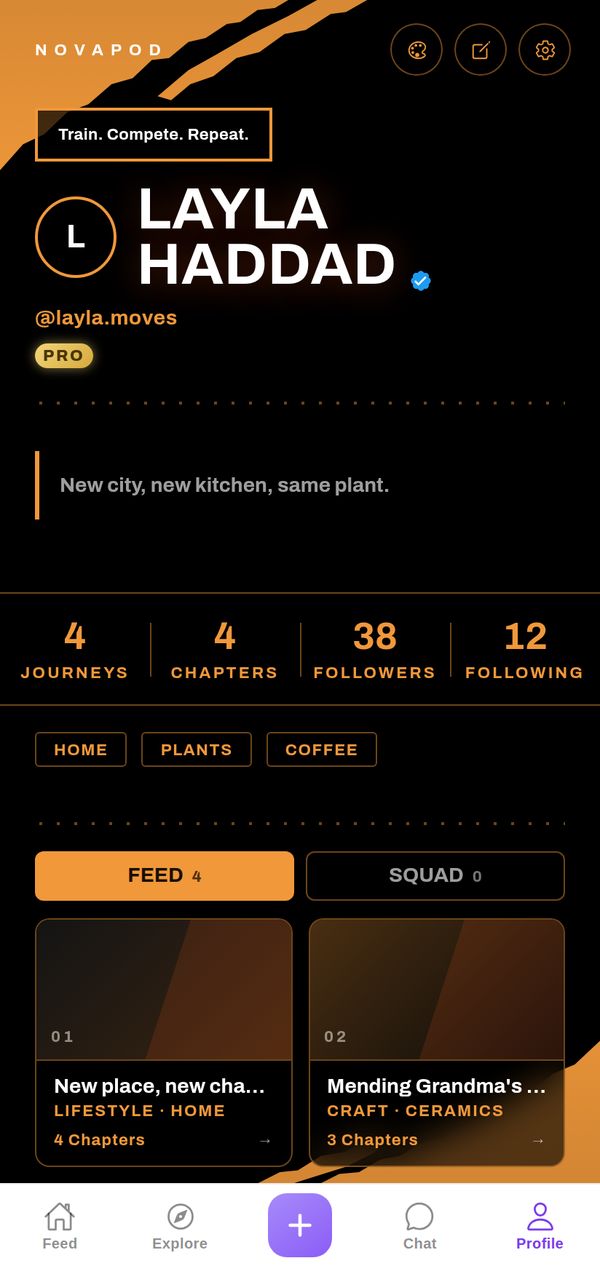
🏆 Elite Athlete
Pure black, torn orange brush strokes, heavy white type.
Premium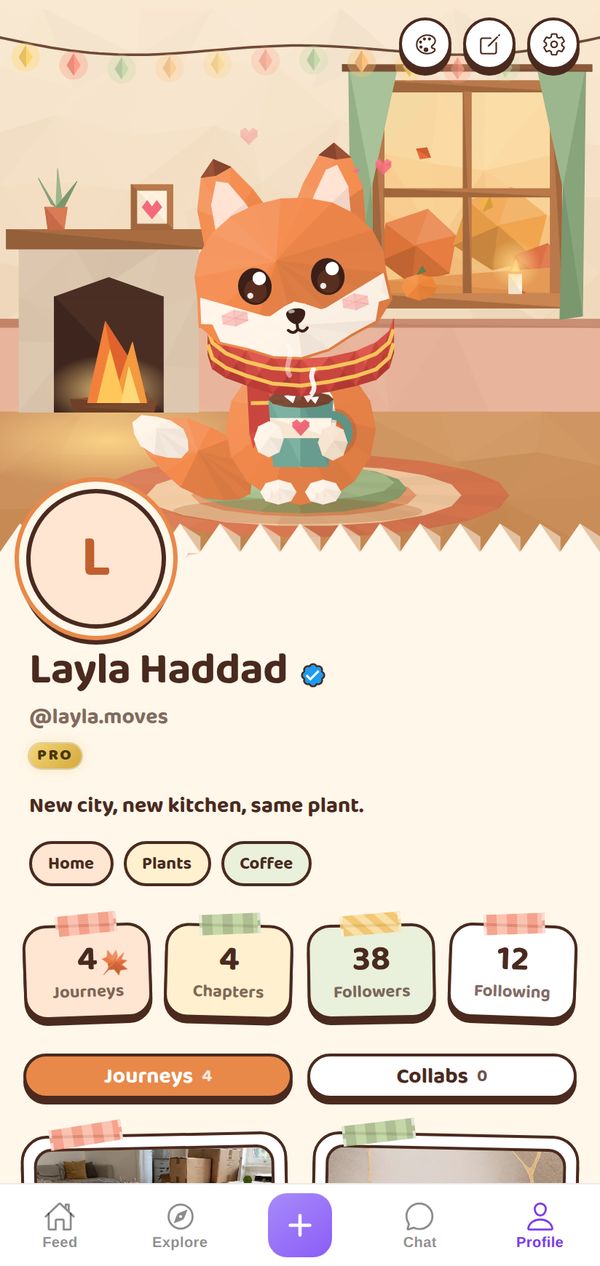
🍂 Cozy Autumn
A fox in a big scarf, hot chocolate by the fire.
Premium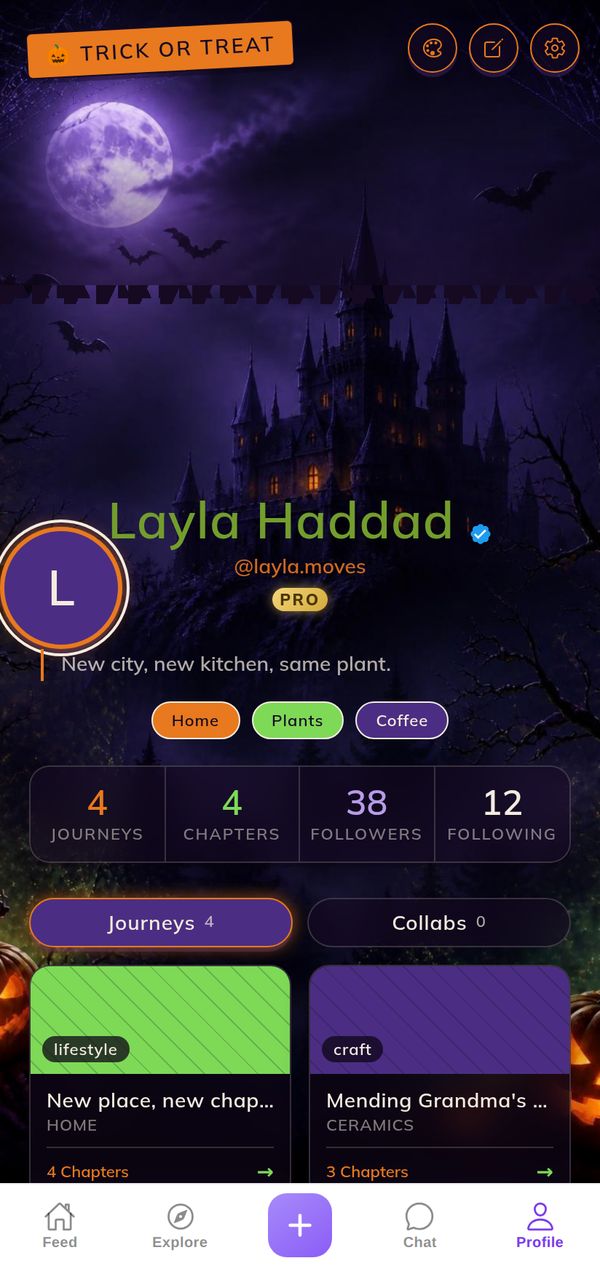
🎃 Halloween
Moonlit purple, jack-o-lantern glow, candlelight flicker.
Premium