🎨 Studio Pop
Electric blue, hot pink and sunny yellow in big pop-art blocks. Studio Pop is a creative studio wall: bright, confident and impossible to scroll past.
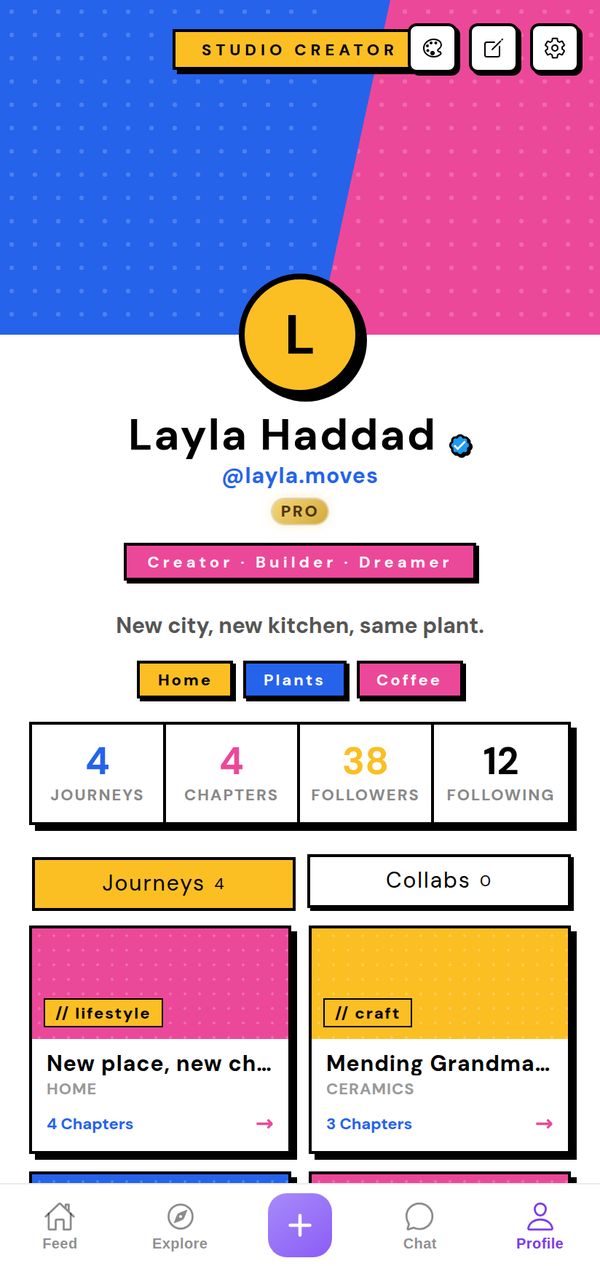
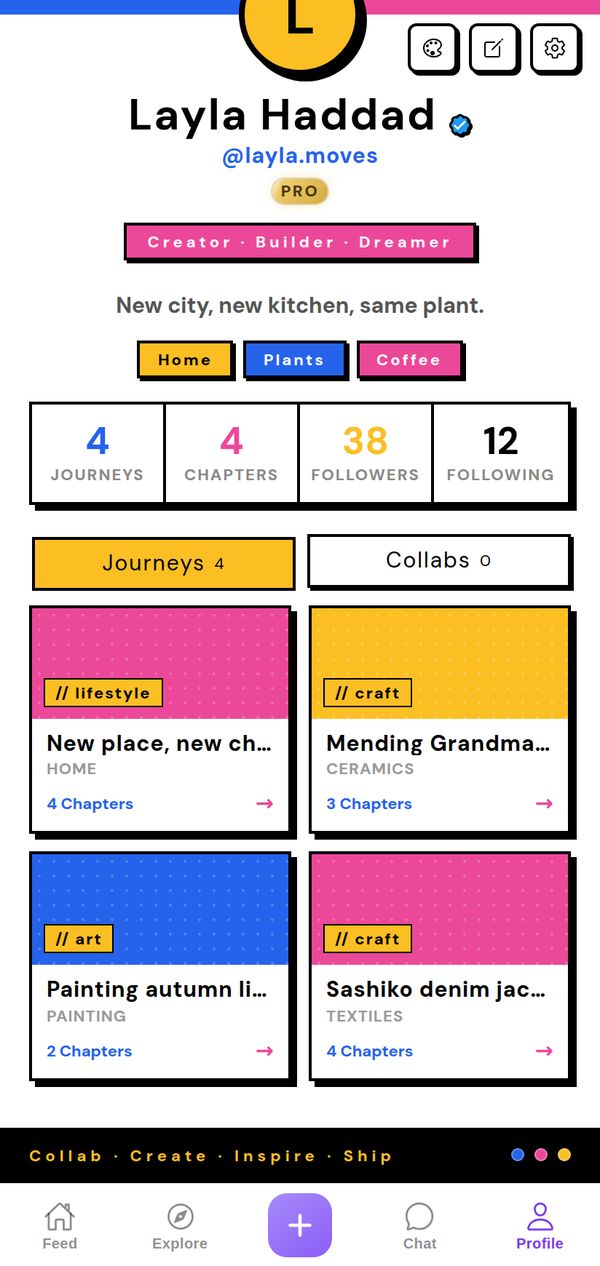
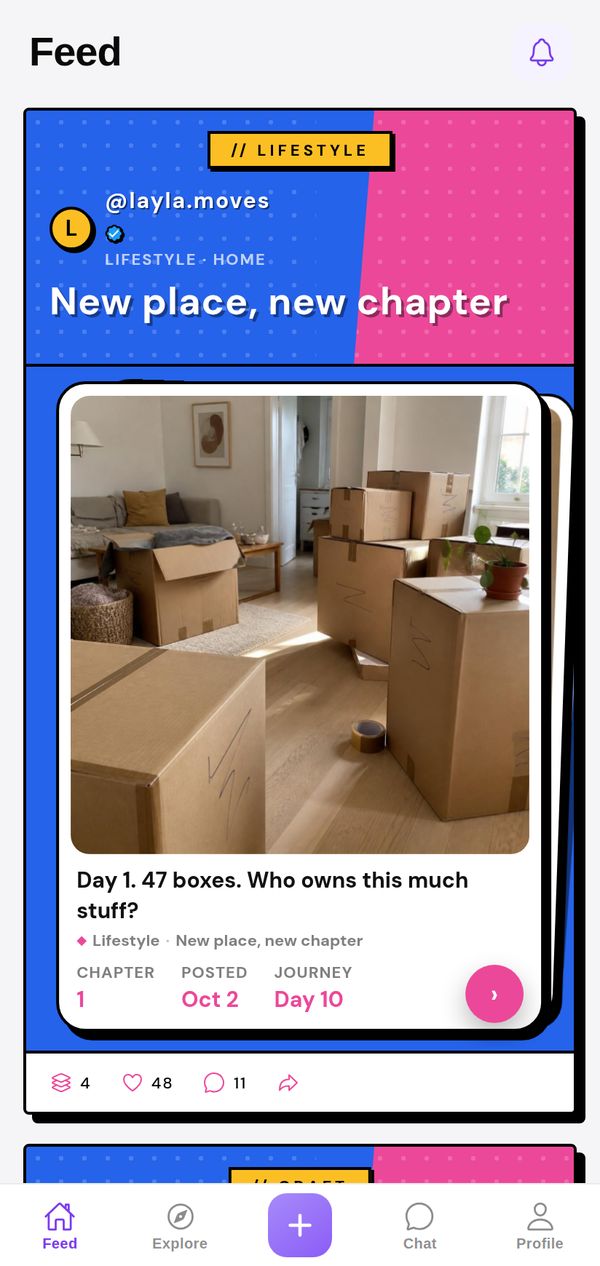
A closer look
The header splits diagonally into electric blue and hot pink with a halftone dot pattern, and your avatar is a big yellow circle in the middle. A pink ribbon carries your roles (Creator, Builder, Dreamer), your interests are yellow, blue and pink blocks, and your stats sit in black-outlined boxes with offset shadows. Journey cards come in solid blue, pink and yellow with // labels, and a black ribbon at the bottom says Collab, Create, Inspire, Ship.
Made for
- Illustrators and designers
- Content creators
- Anyone with a lot of colour in them
It goes everywhere you go
A theme isn't just your profile background. Your Journeys show up in the Studio Pop style in other people's Feed and in Explore too, so everything you post carries your look.
Tips for your photos
Studio Pop handles colour better than any other theme, so go for it: paintings, illustrations, prints, bright fabric, colourful food. Strong graphic photos with one clear subject look best inside the black outlines. If your work is already loud, this is the theme that keeps up with it.
How to use it
- Open your profileTap Profile in the tab bar.
- Tap the palette iconAt the top of your profile, next to edit and settings.
- Pick Studio PopFind it in the Store. Get it on its own, or with NovaPod Pro, which includes every premium theme.
Studio Pop is one of 22+ themes on NovaPod, and a new one drops every Friday at 17:00 (Amsterdam time).
Make it yours
NovaPod is free on iPhone. Start a Journey, post Chapter 1, and give your profile a look that's really you.
More themes
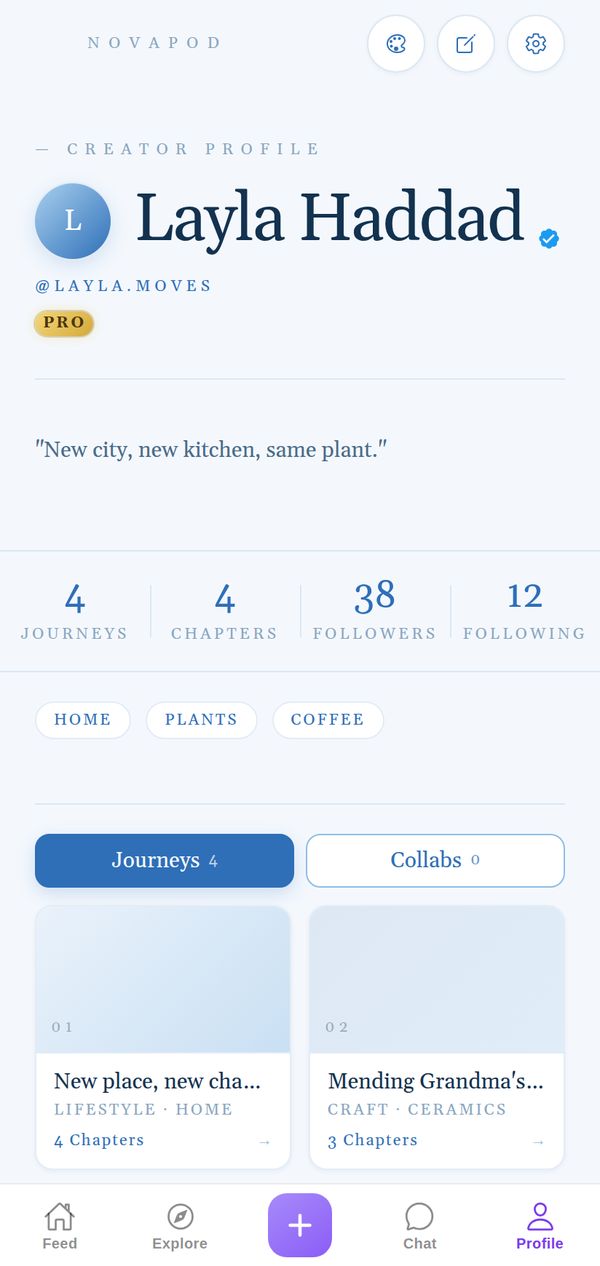
🕊️ Azure
Airy sky blues, fine serif, quiet luxury.
Premium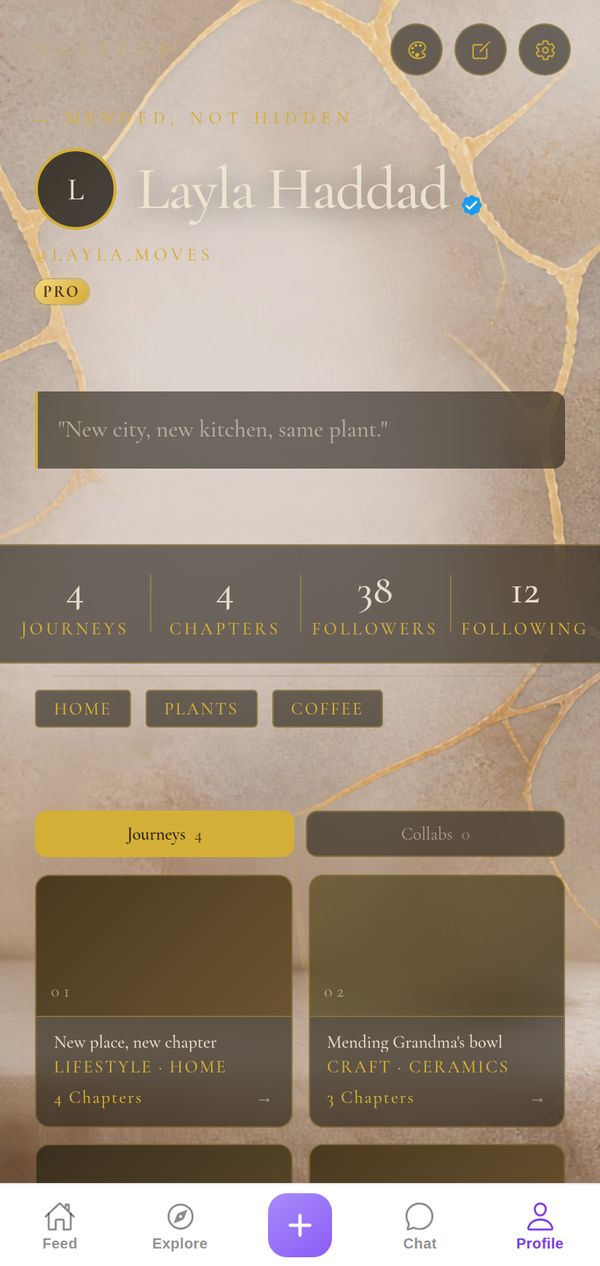
🏺 Kintsugi
Gold seams on stone: every crack, mended with care.
Premium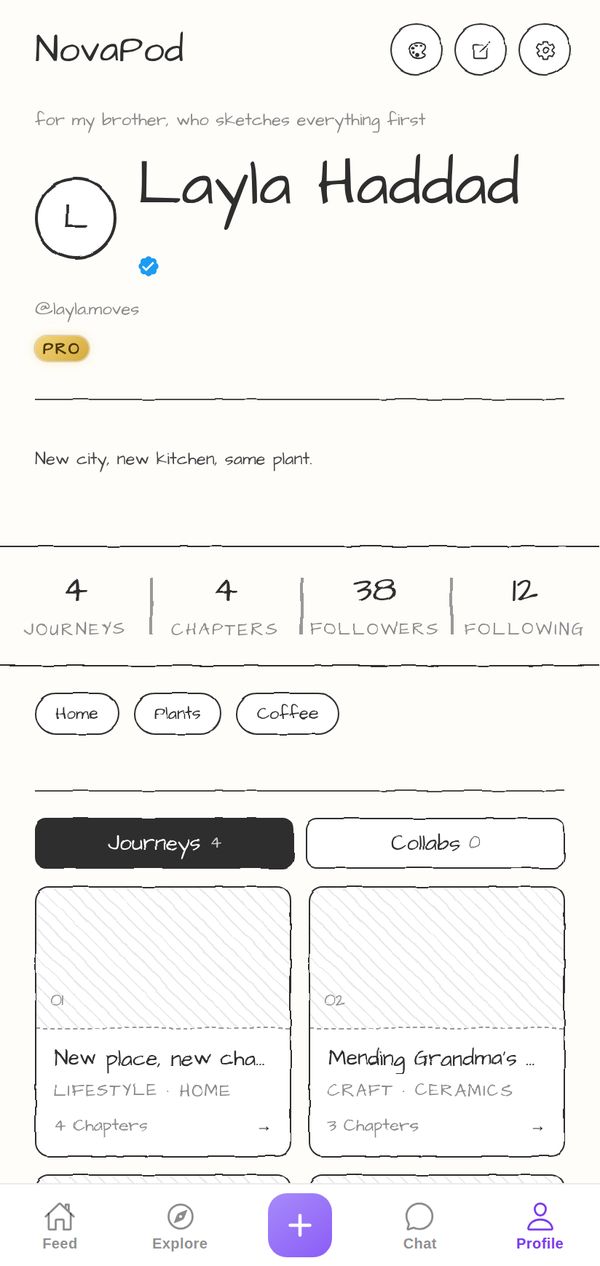
✏️ Pencil
Paper white, graphite ink, hand-drawn wobble.
Premium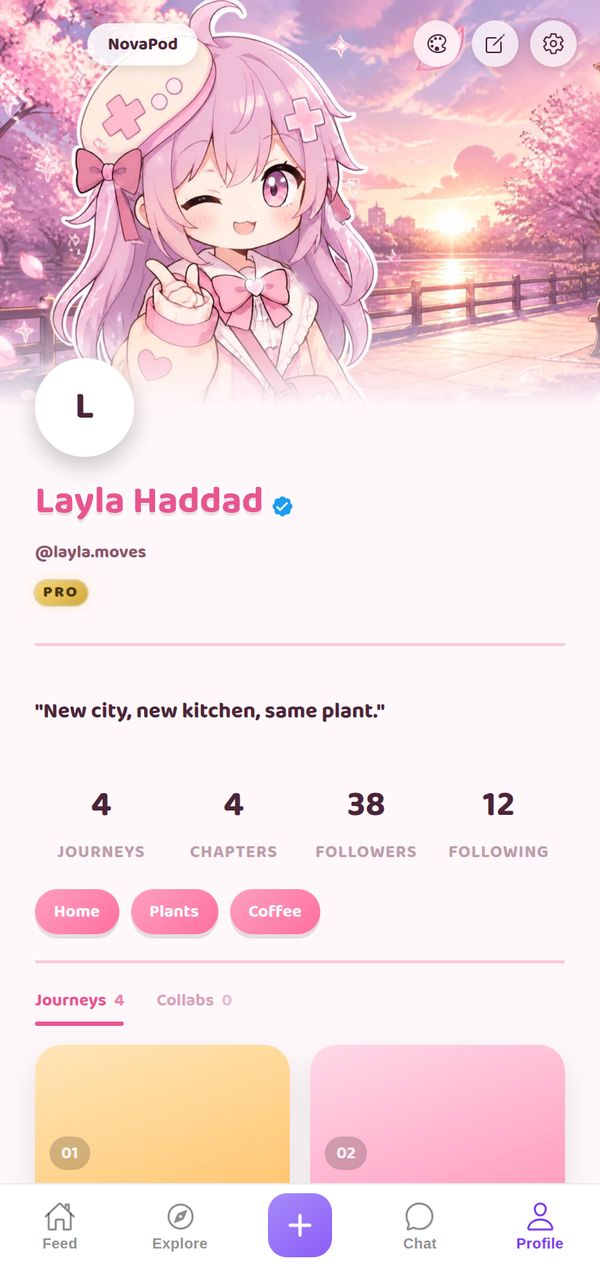
🌸 Anime: Sakura
Cherry-blossom header art, playful bubbly pink.
Premium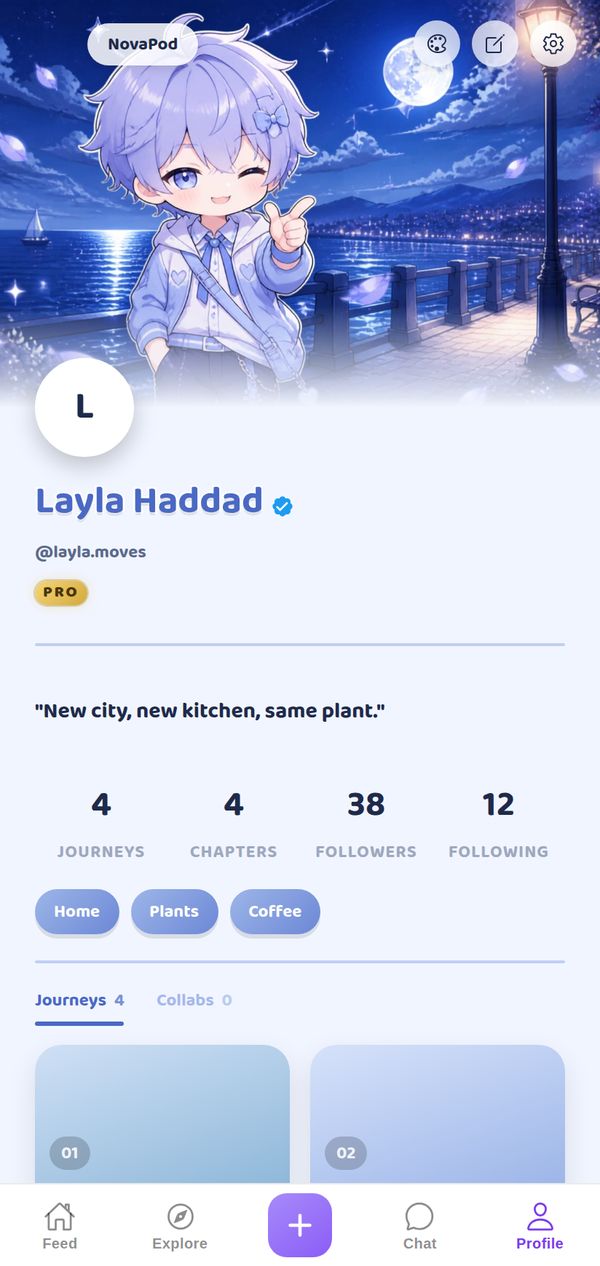
🌙 Anime: Moonlit
Night-sky header art, playful bubbly blue.
Premium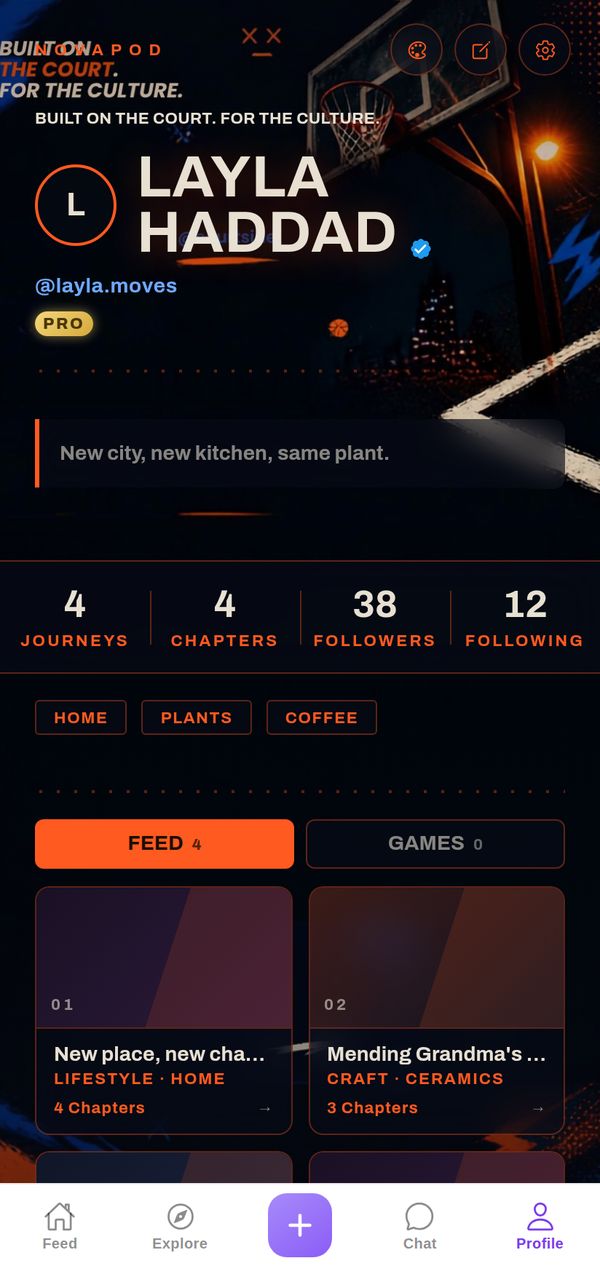
🏀 Hoops
Night-court photo, hot orange on navy, streetball energy.
Premium