☁️ Dreamland
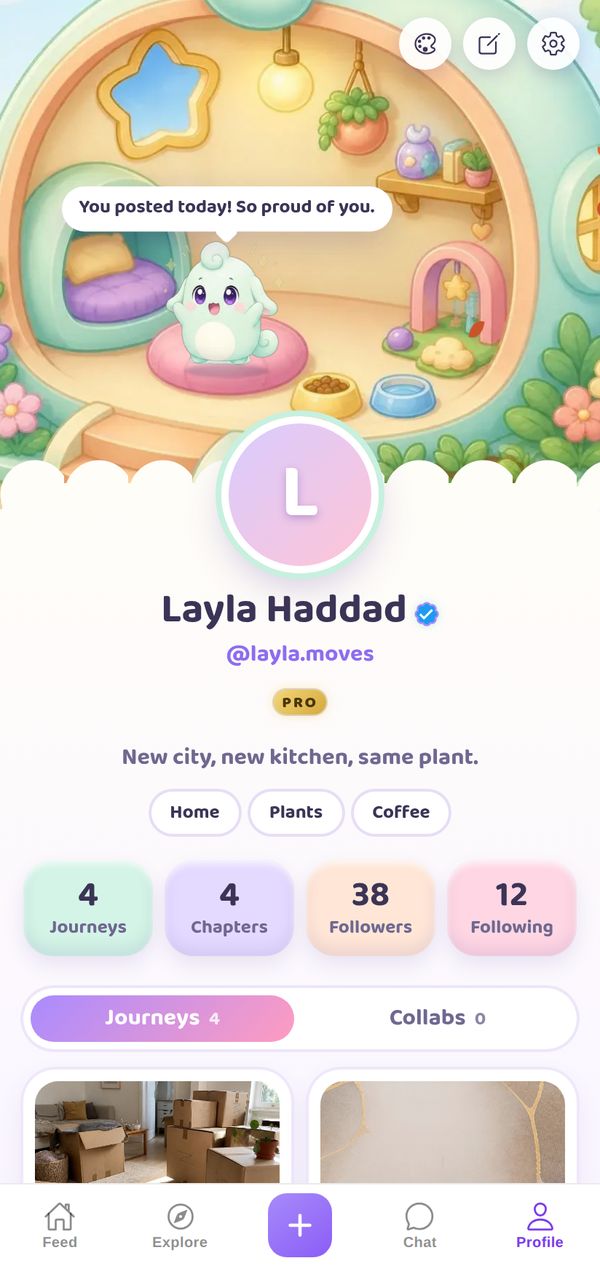
Lulu, a tiny Dreamling, lives at the top of your profile: eats when you post a Chapter, misses you when you go quiet, loves being petted and dresses for the season.
A closer look
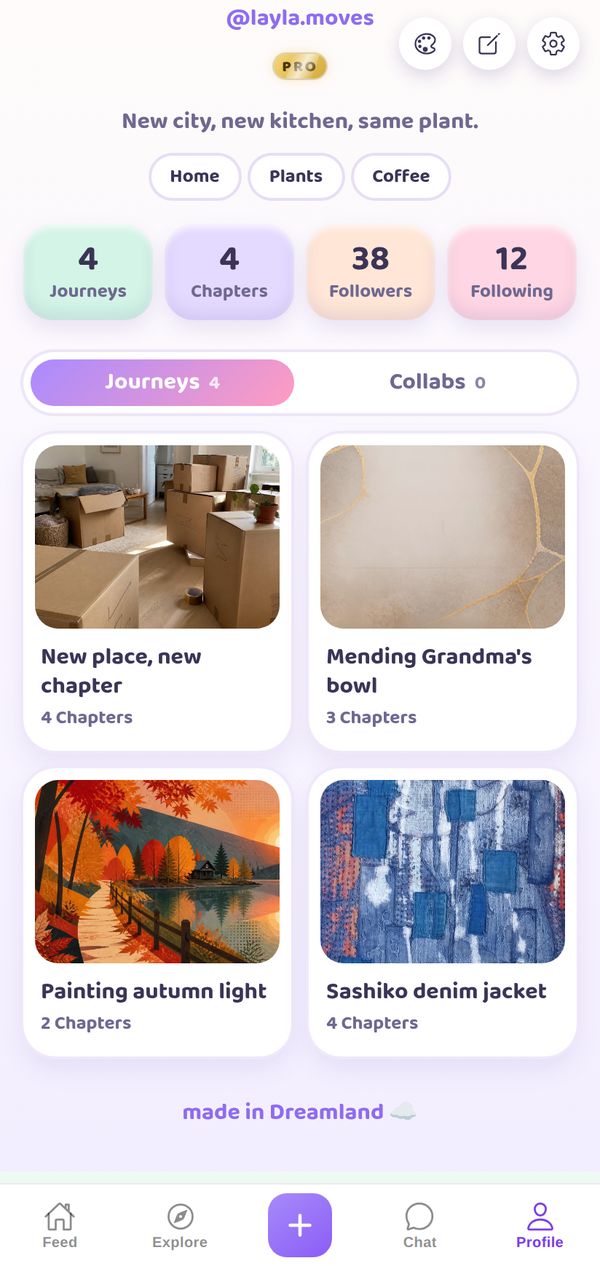
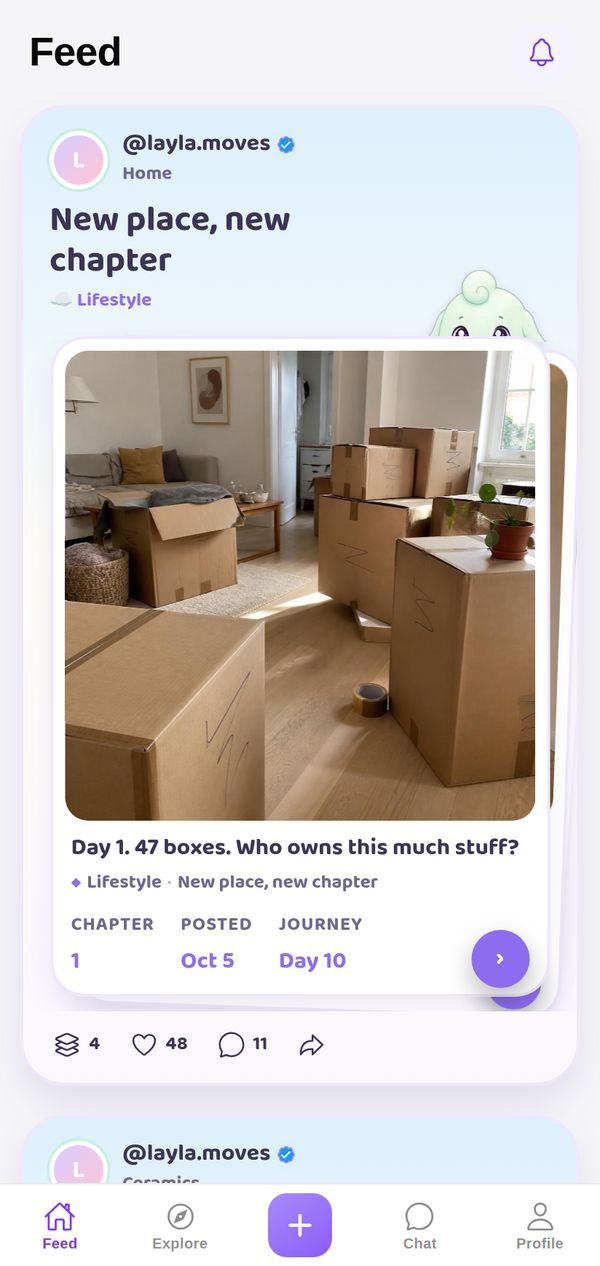
At the top of your profile, Lulu the Dreamling lives in a round dream house with a beanbag, a lamp and a food bowl, and talks to you in speech bubbles (You posted today! So proud of you.). Your stats are pastel tiles in mint, lilac, peach and pink, your Journeys sit on soft white cards, and Lulu peeks over your cards in the Feed. The page ends with made in Dreamland.
Made for
- Anyone who wants a nudge to keep posting
- Cozy and cute creators
- Virtual pet lovers
It goes everywhere you go
A theme isn't just your profile background. Your Journeys show up in the Dreamland style in other people's Feed and in Explore too, so everything you post carries your look.
Tips for your photos
Dreamland is made for regular posting, because Lulu notices: post a Chapter and Lulu eats and cheers, go quiet and Lulu misses you. Any photo works, but soft, bright pictures suit the pastel page best. It's a lovely theme for a habit you want to keep, like drawing every day, a language, or a long craft project.
How to use it
- Open your profileTap Profile in the tab bar.
- Tap the palette iconAt the top of your profile, next to edit and settings.
- Pick DreamlandFind it in the Store. Get it on its own, or with NovaPod Pro, which includes every premium theme.
Dreamland is one of 22+ themes on NovaPod, and a new one drops every Friday at 17:00 (Amsterdam time).
Make it yours
NovaPod is free on iPhone. Start a Journey, post Chapter 1, and give your profile a look that's really you.
More themes
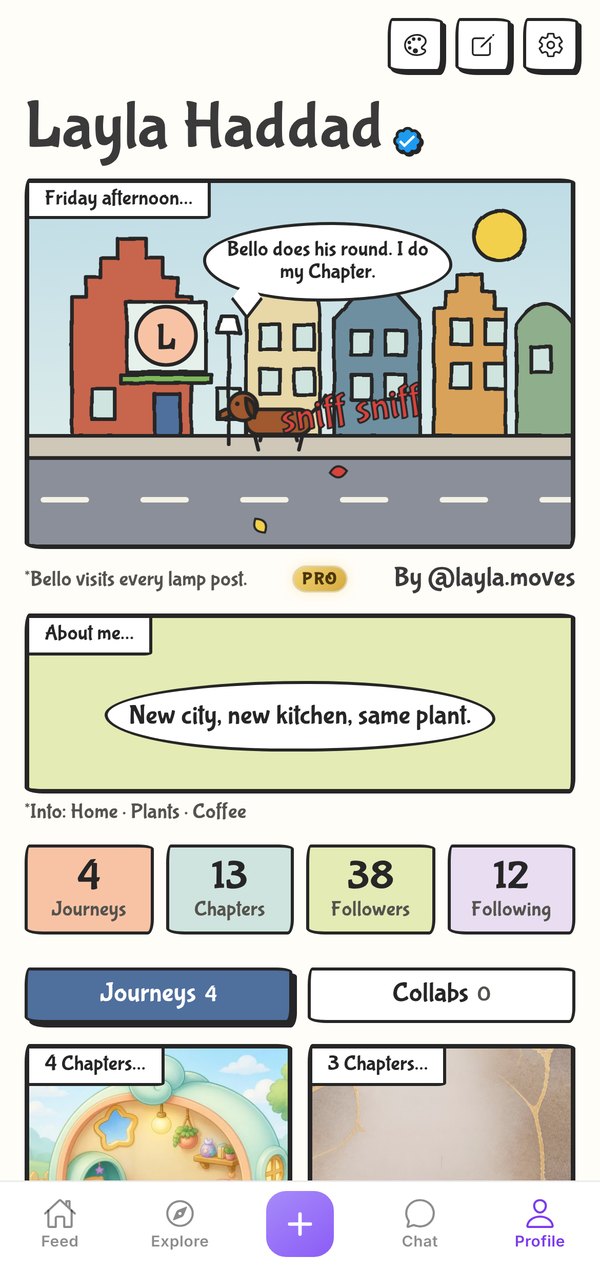
🍁 Northern Expat
Your profile as a live comic strip.
Premium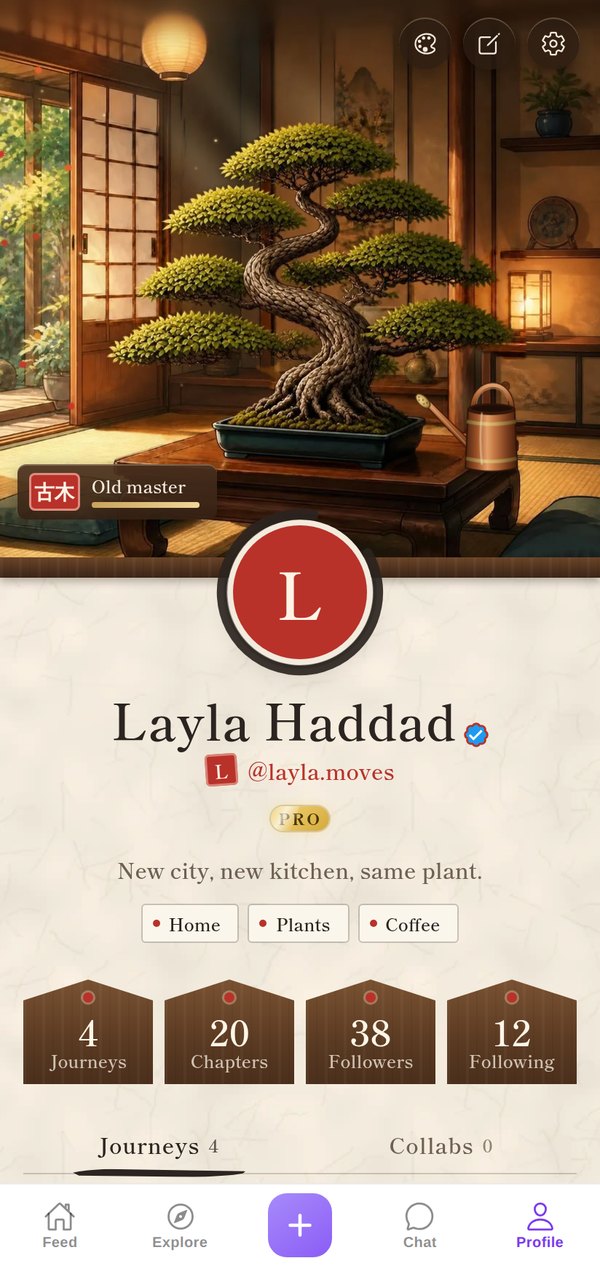
🌳 Bonsai
A bonsai that grows with every Chapter you post.
Premium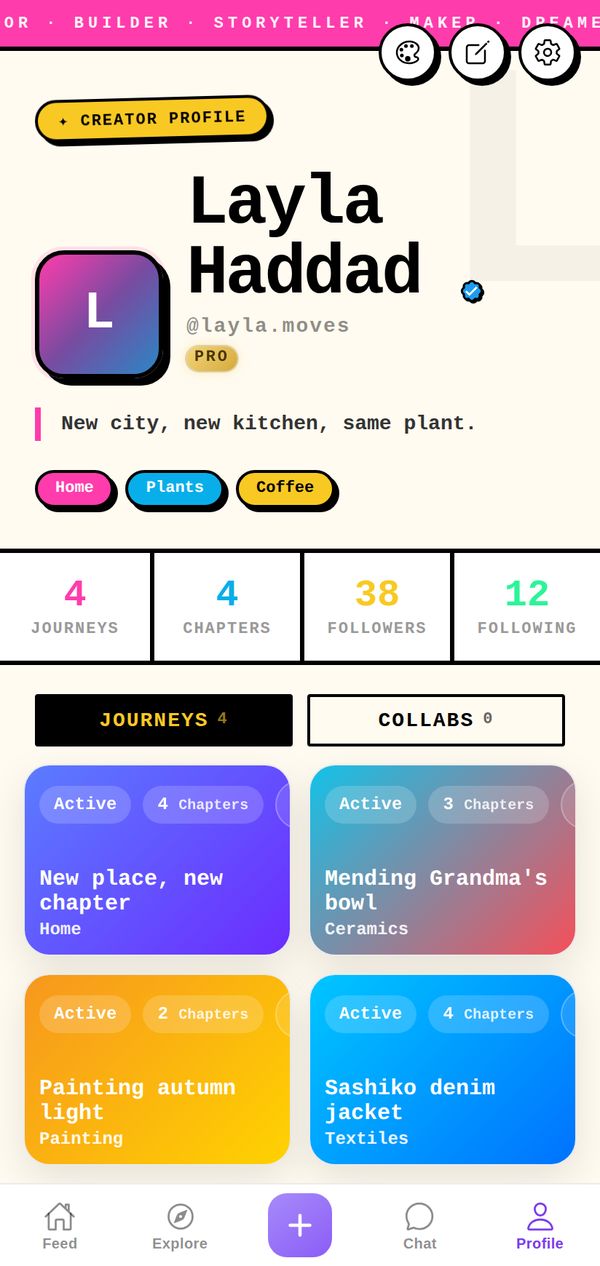
🖤 Neo-Brutalist
Bold borders, loud colours, zero compromise.
Free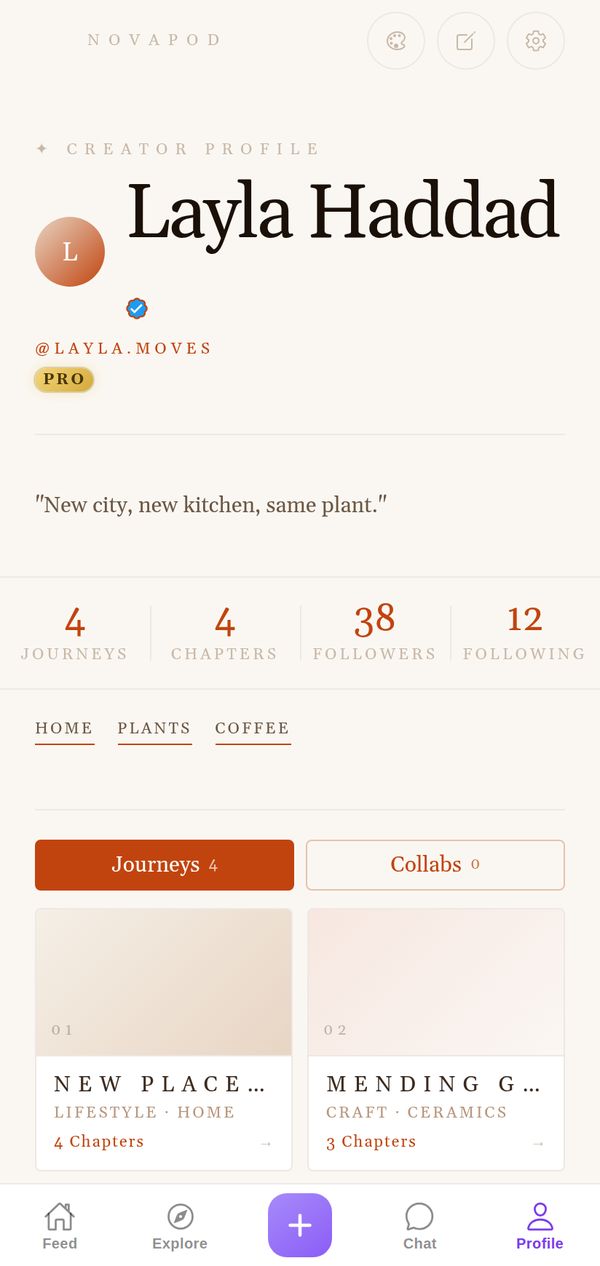
🌸 Warm Minimal
Creams, terracottas, soft and editorial.
Free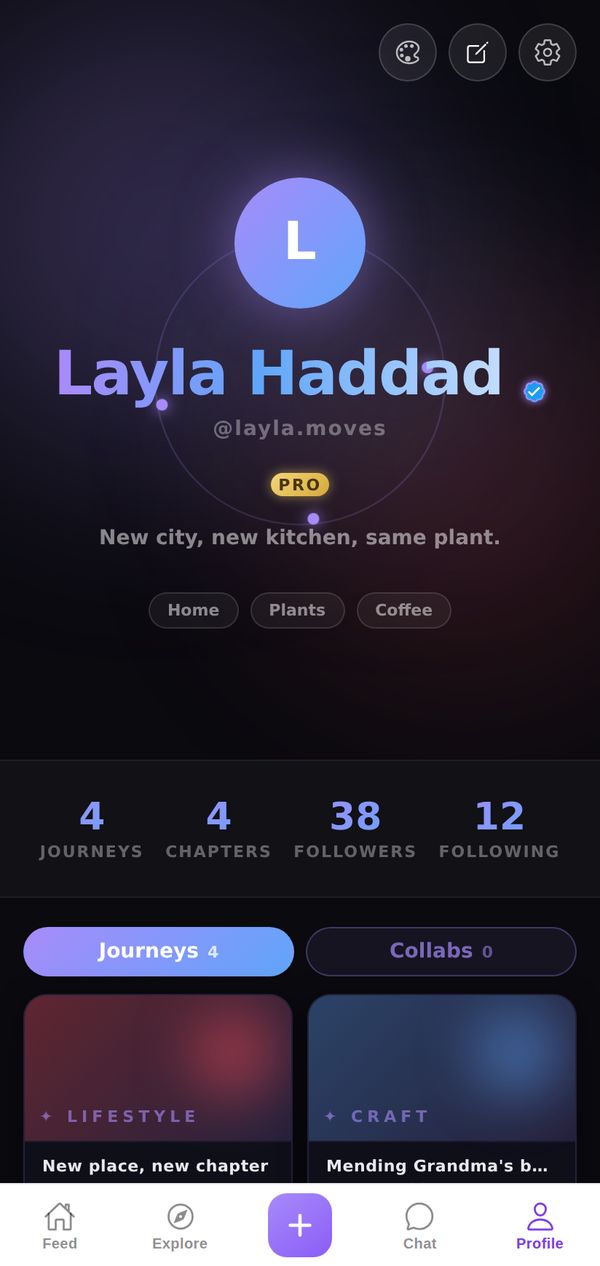
🌌 Dark Cosmic
Floating orbs, shimmer, deep-space vibes.
Premium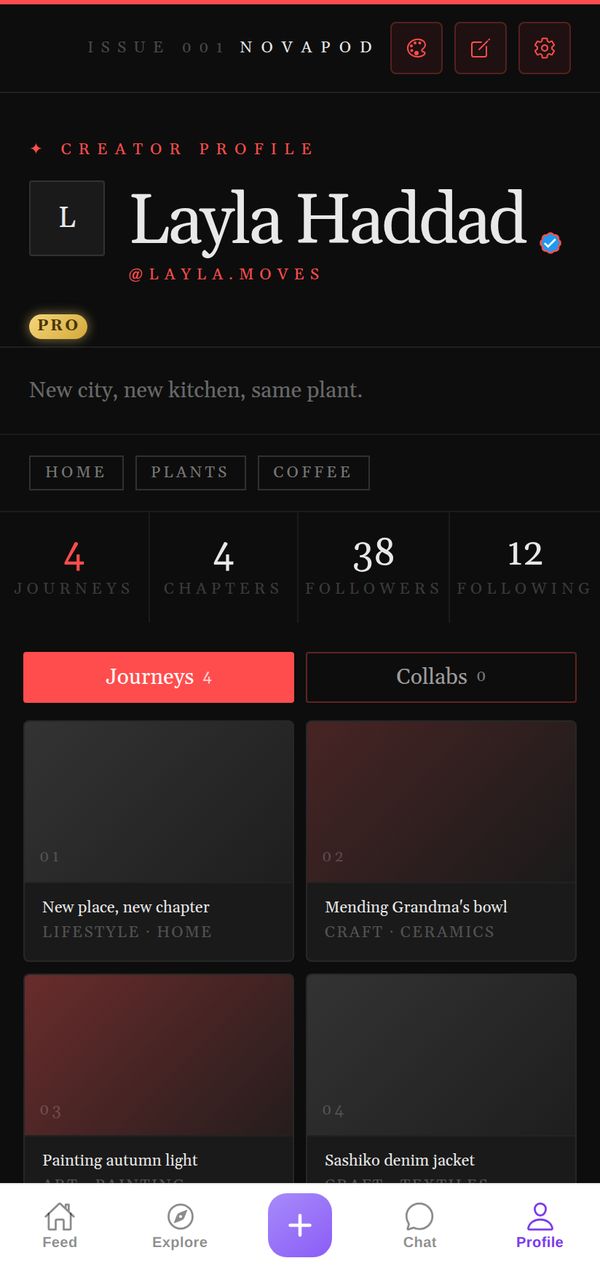
🌙 Dark Editorial
Deep blacks, sharp type, magazine feel.
Premium