🎞️ Darkroom
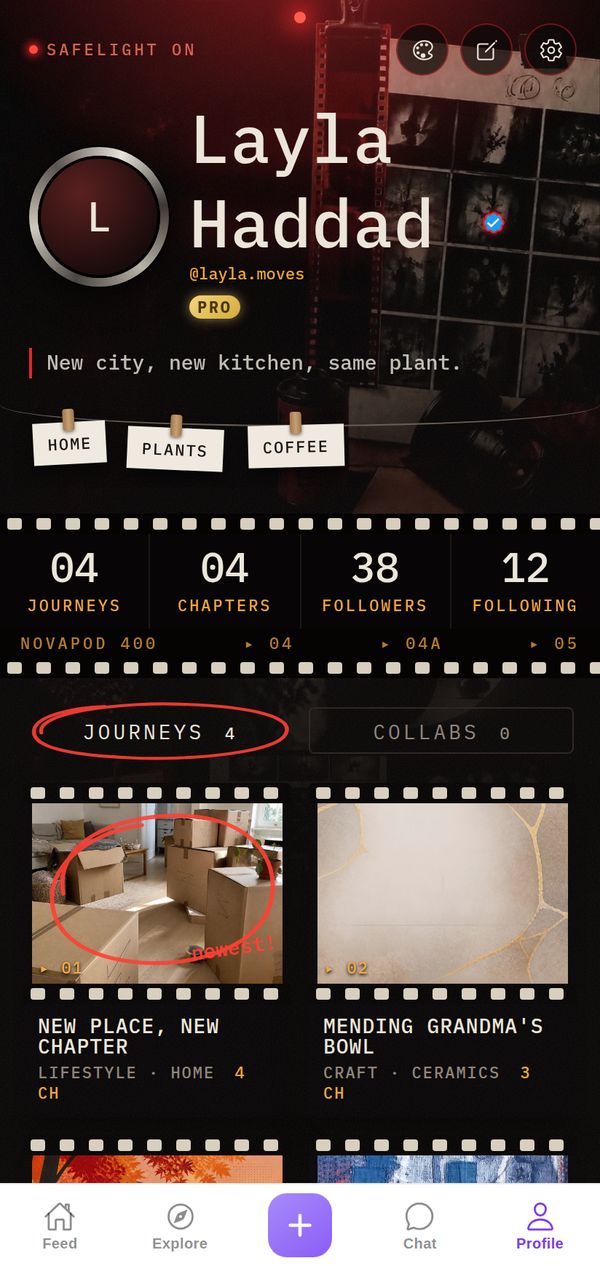
Your profile as a photo darkroom: red safelight, film strips, contact sheets and grease-pencil marks. Your Journeys develop like prints, one Chapter at a time.
A closer look
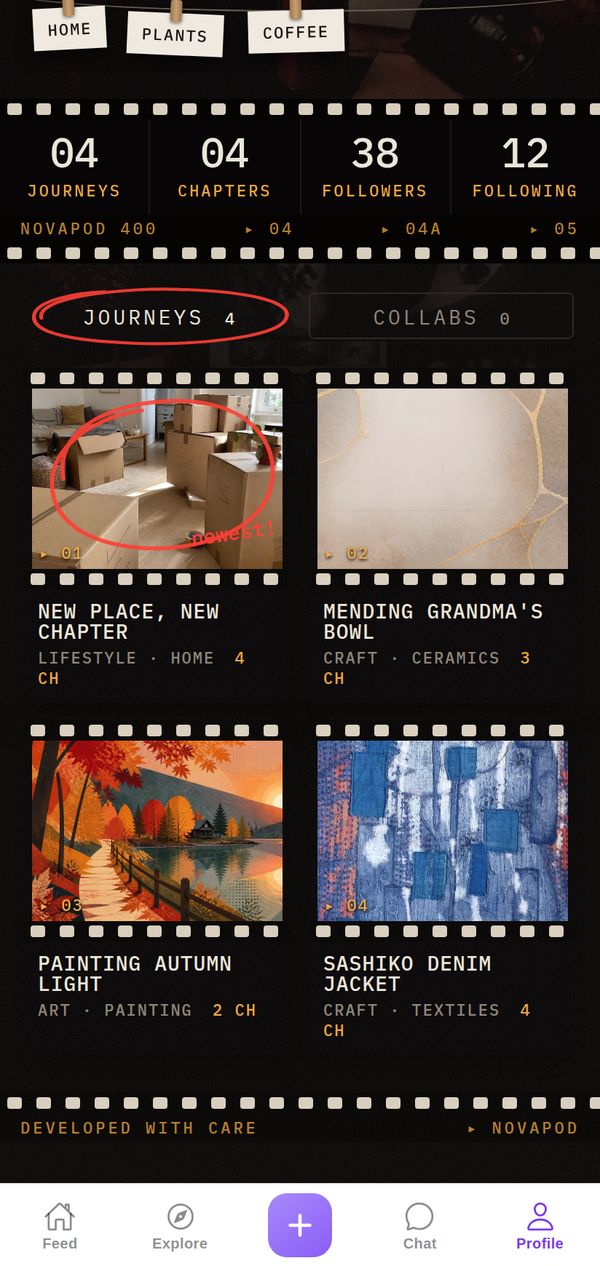
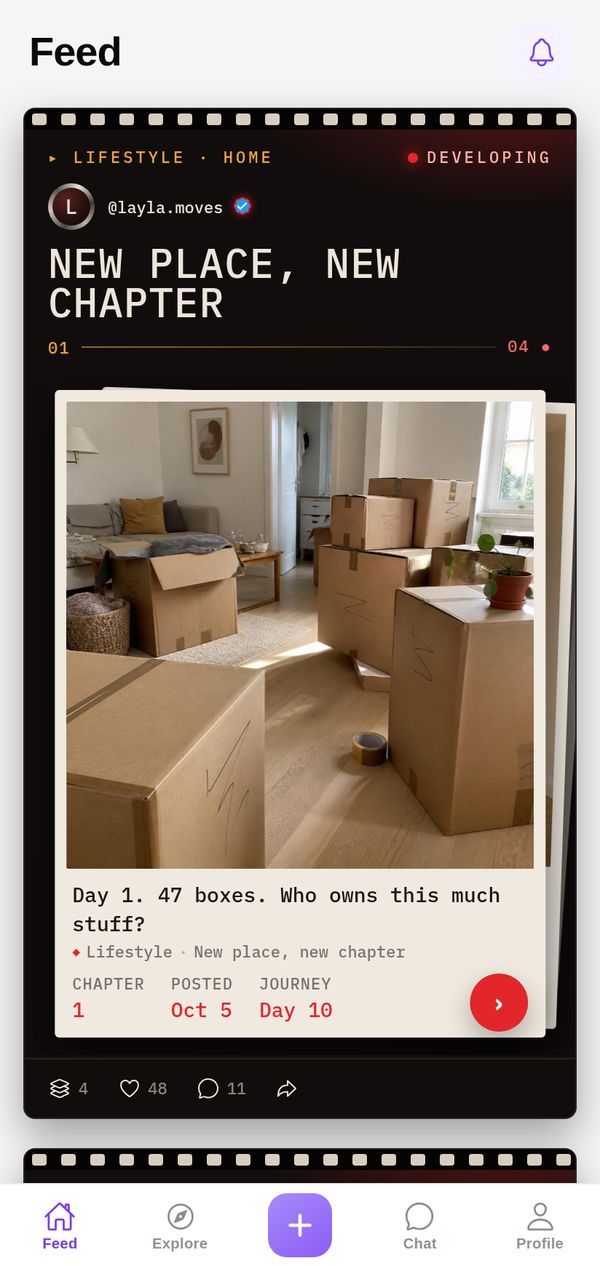
The page glows under a red Safelight On sign. Your stats run along a film strip with sprocket holes and frame numbers, your interests hang on little pegs like drying prints, and the active tab is circled in red grease pencil. Journeys are frames on a contact sheet, the first one circled like the pick of the roll, and in the Feed each new Chapter is marked Developing. The page ends with Developed with care.
Made for
- Photographers and filmmakers
- Analog and film lovers
- Visual storytellers
It goes everywhere you go
A theme isn't just your profile background. Your Journeys show up in the Darkroom style in other people's Feed and in Explore too, so everything you post carries your look.
Tips for your photos
Darkroom is made for photographers and filmmakers: analogue shots, contact sheets, behind-the-scenes on a set, gear, scans and edits. Film grain and black-and-white look especially good in the film strips. Post a roll or a shoot as a Journey, with your favourite frames as Chapters, and the profile turns into your own contact sheet.
How to use it
- Open your profileTap Profile in the tab bar.
- Tap the palette iconAt the top of your profile, next to edit and settings.
- Pick DarkroomFind it in the Store. Get it on its own, or with NovaPod Pro, which includes every premium theme.
Darkroom is one of 22+ themes on NovaPod, and a new one drops every Friday at 17:00 (Amsterdam time).
Make it yours
NovaPod is free on iPhone. Start a Journey, post Chapter 1, and give your profile a look that's really you.
More themes
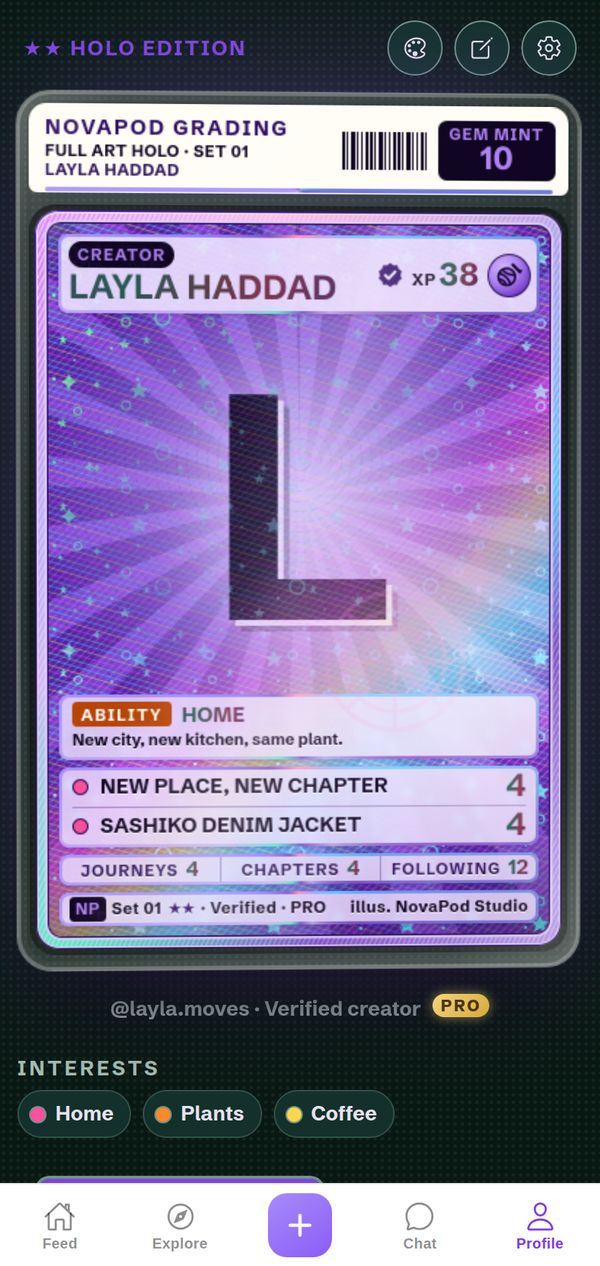
✨ Holo Rare
Your profile as a full-art holo trading card.
Premium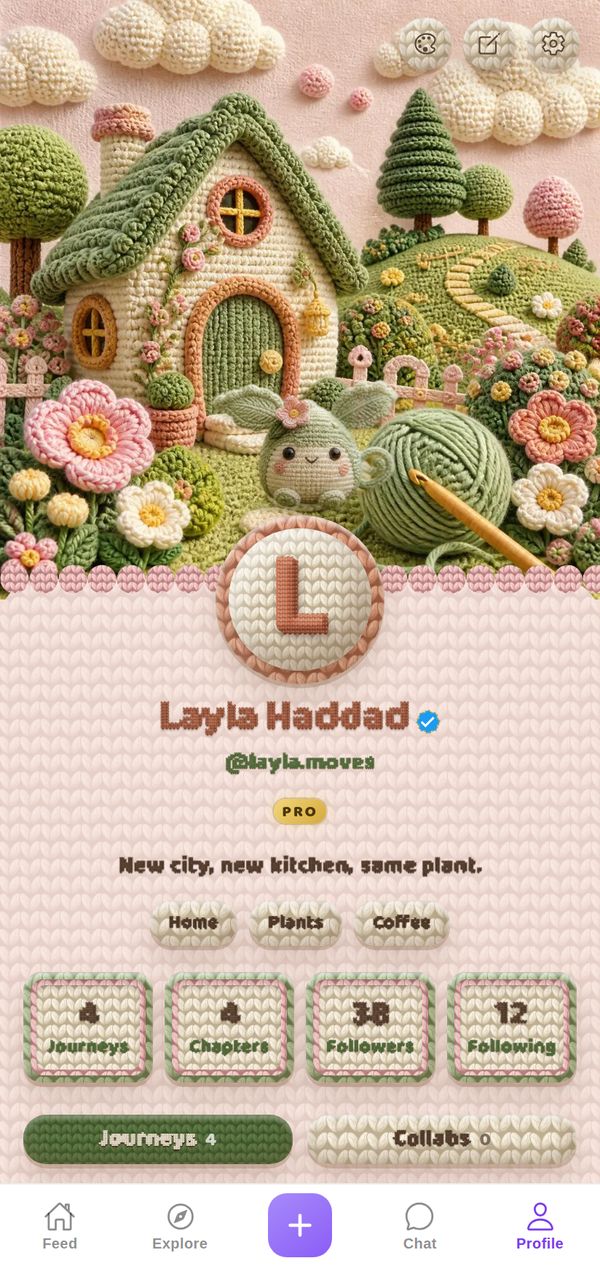
🧶 Crochet
A crocheted cottage garden and a little yarn monster.
Premium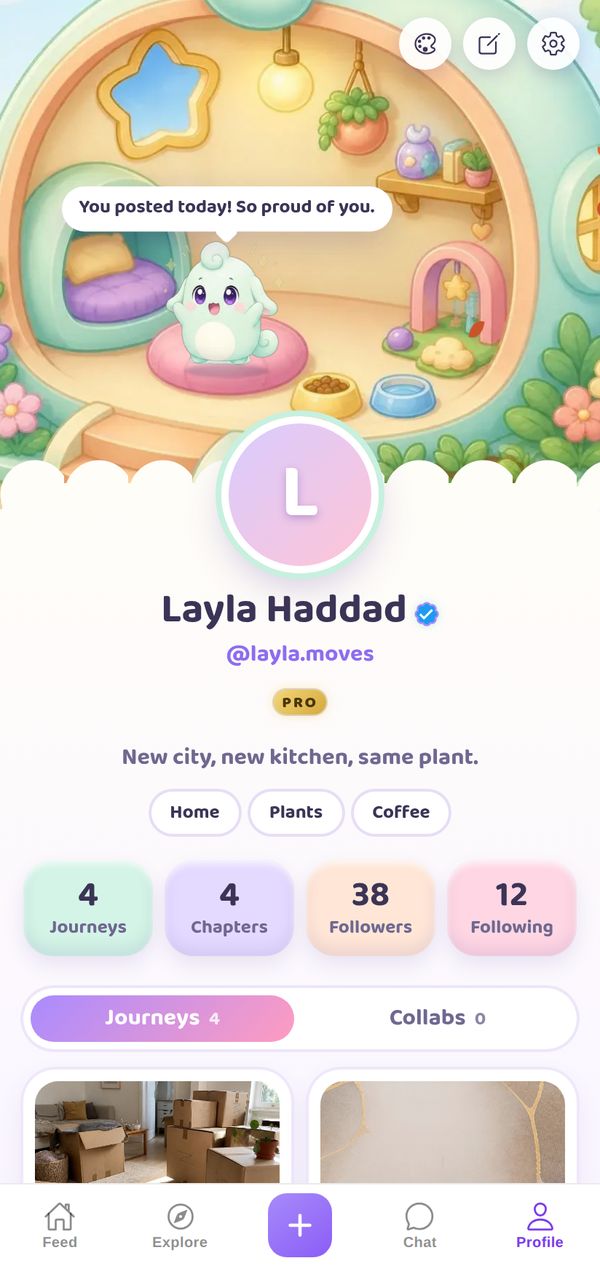
☁️ Dreamland
Lulu the Dreamling moves into your profile.
Premium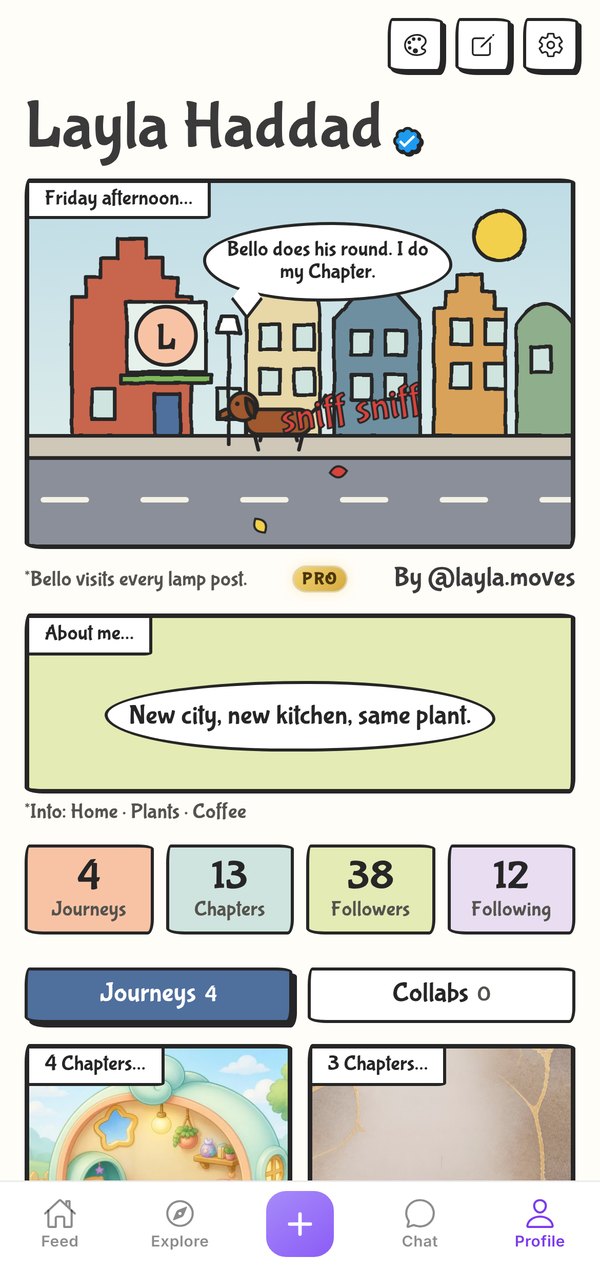
🍁 Northern Expat
Your profile as a live comic strip.
Premium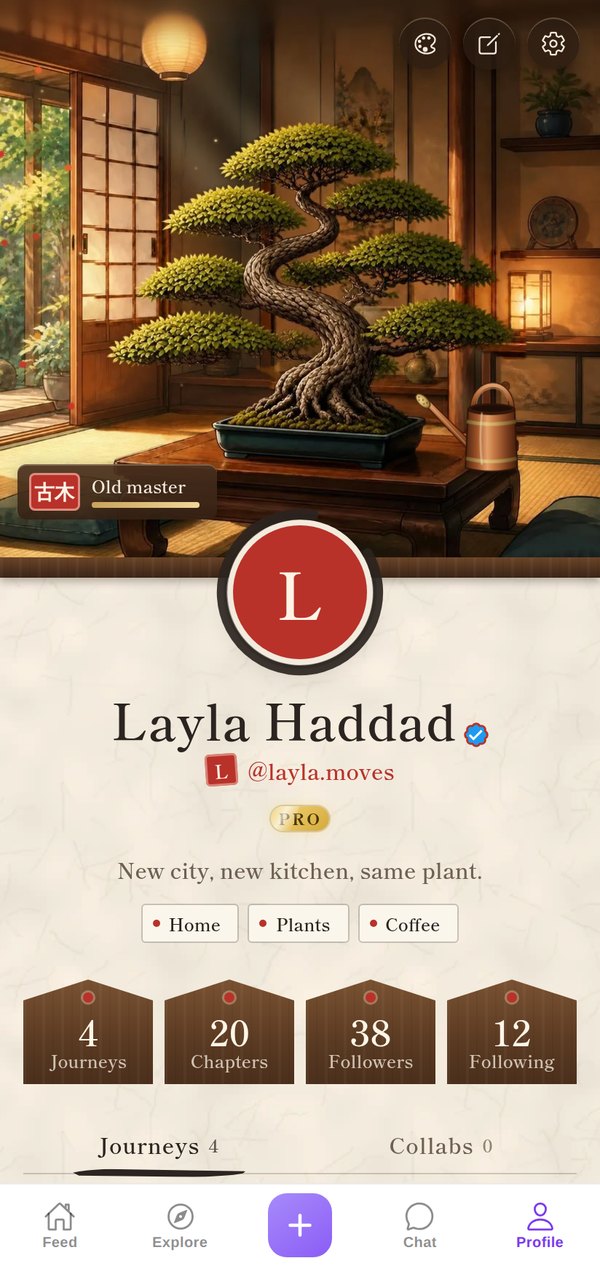
🌳 Bonsai
A bonsai that grows with every Chapter you post.
Premium
🖤 Neo-Brutalist
Bold borders, loud colours, zero compromise.
Free