Lost your guitarist? Find one online.
Your guitarist just quit, two weeks before the gig. Here is how one singer found a new one in an evening, and what to look for when you go searching yourself.
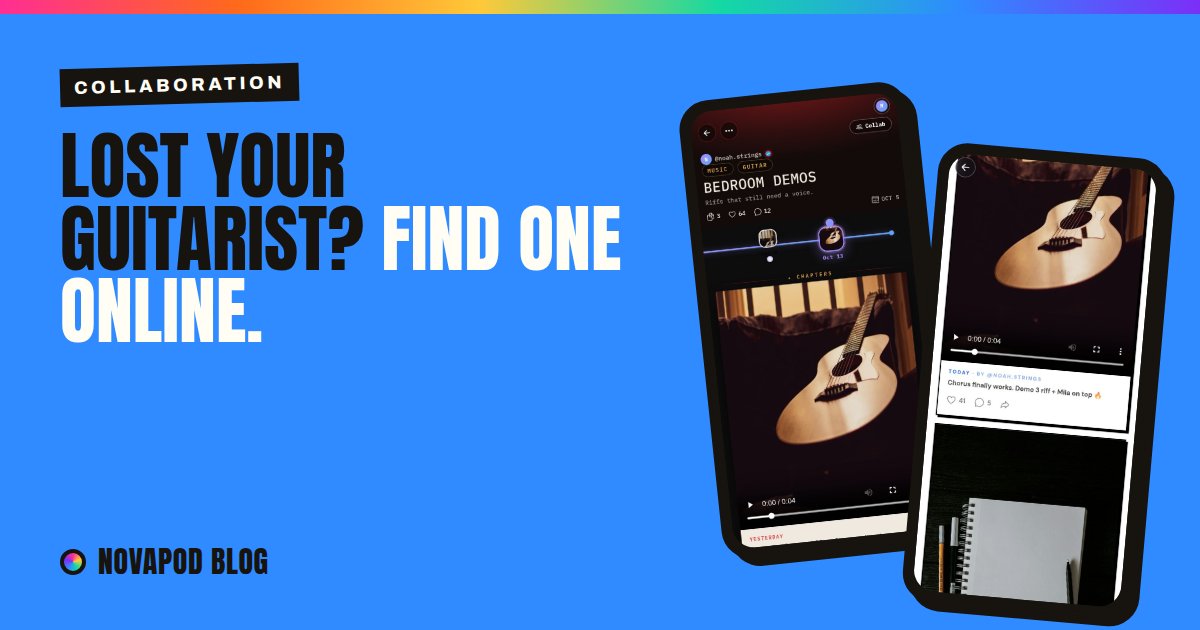
It's 23:47 when the message comes in: "hey… I'm out of the band. sorry." Then, a minute later: "you'll find someone."
Sure. But where? Musician forums are a maze of old threads. Social media shows you polished highlight reels, not whether someone actually shows up and finishes things. And "anyone know a guitarist?" in the group chat gets you three thumbs-up and a cousin who played in 2011.
Here's how Mila, a singer, found her new guitarist in an evening, step by step, with the real screens.
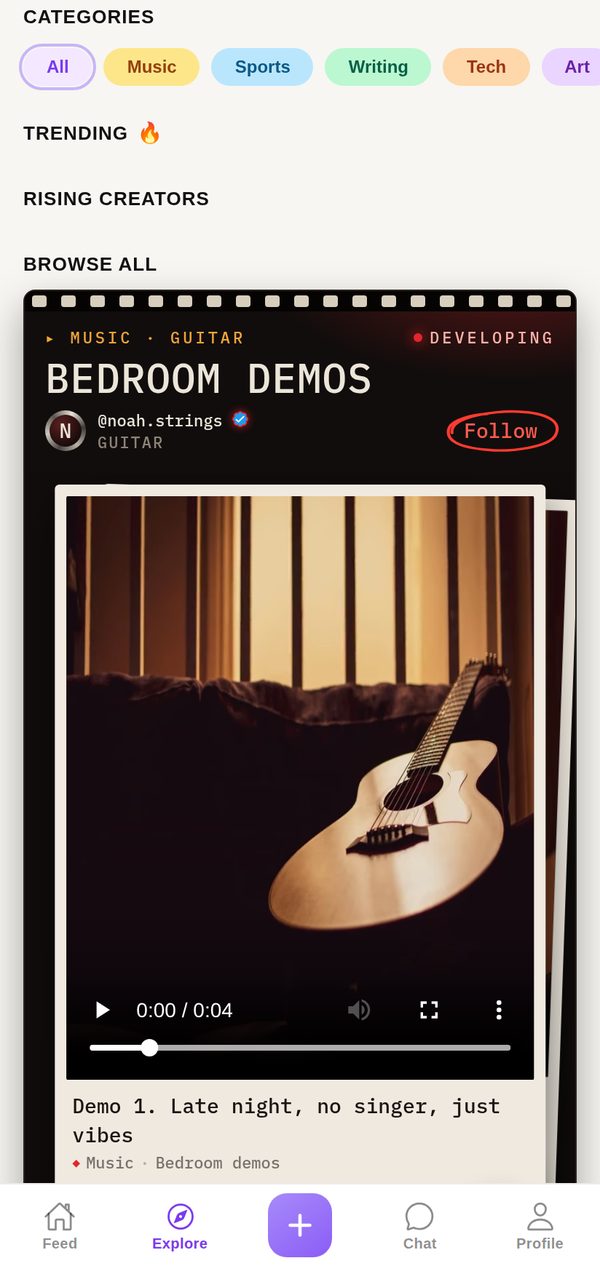
Search for the work, not the profile
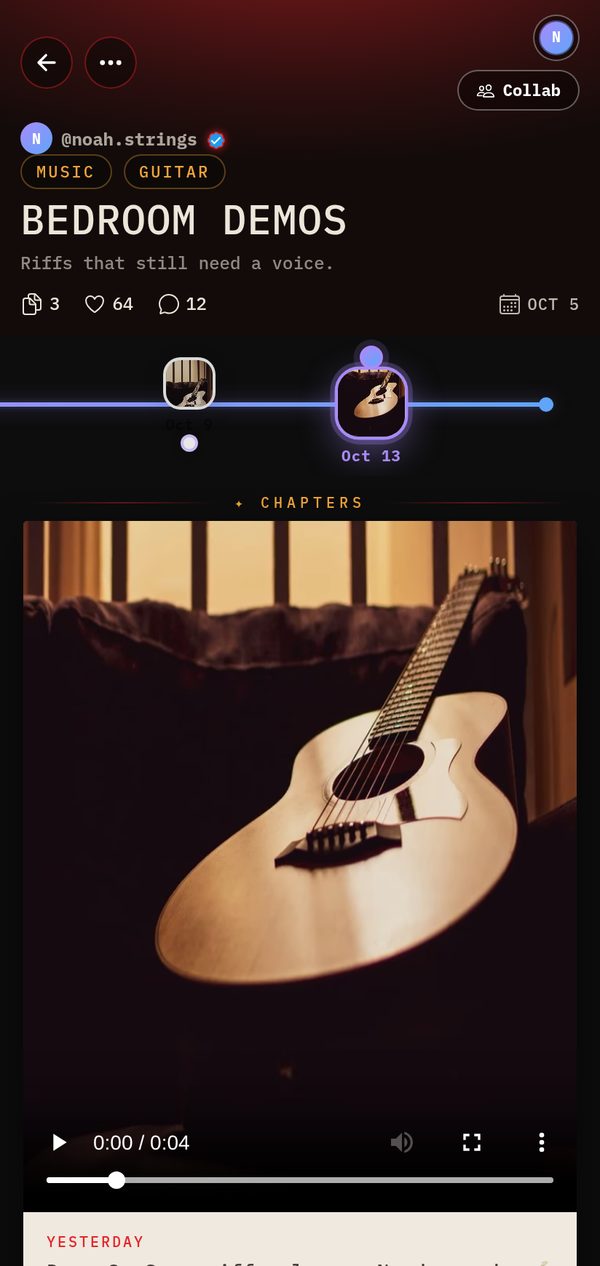
Mila opens Explore and taps Music. Instead of a list of bios, she sees Journeys: people's ongoing projects, each one a series of Chapters. One of them is called Bedroom demos, by a guitarist named Noah.
Listen to how they work
Noah has posted three demos over two weeks. Demo 3 says: "Same riff, slower. Needs words."
This is the part a polished profile never shows you: how someone actually works. Does he post regularly? Does the music get better between Chapters? Is he looking for exactly what you do? His riffs need a voice. Mila is a voice.
Ask with one tap
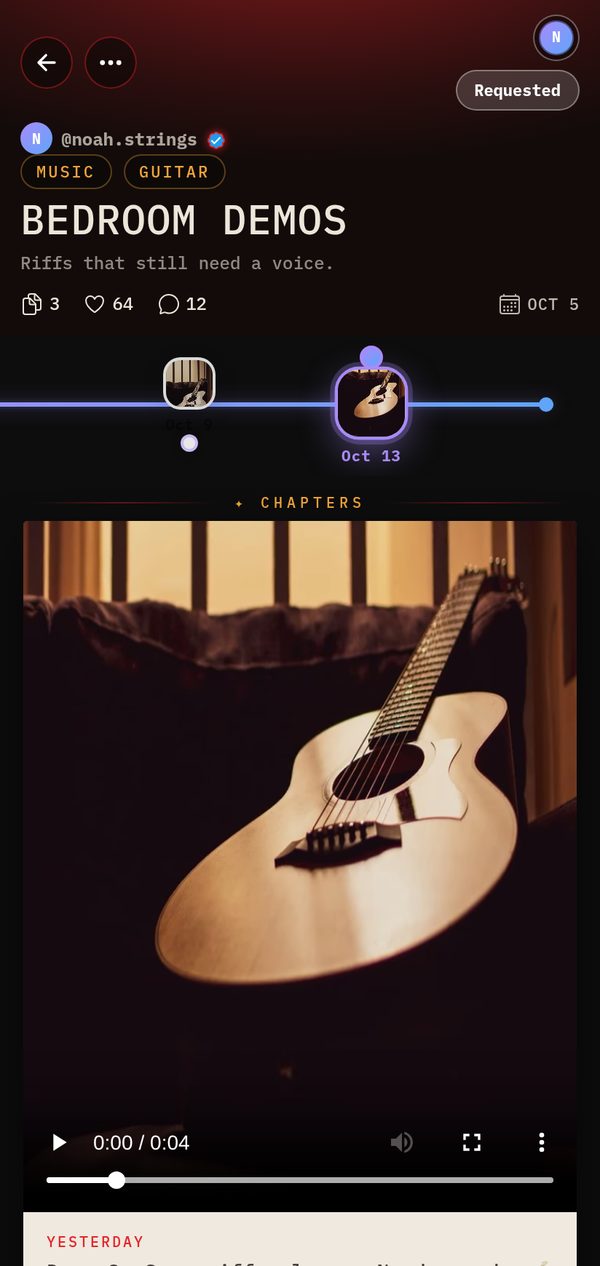
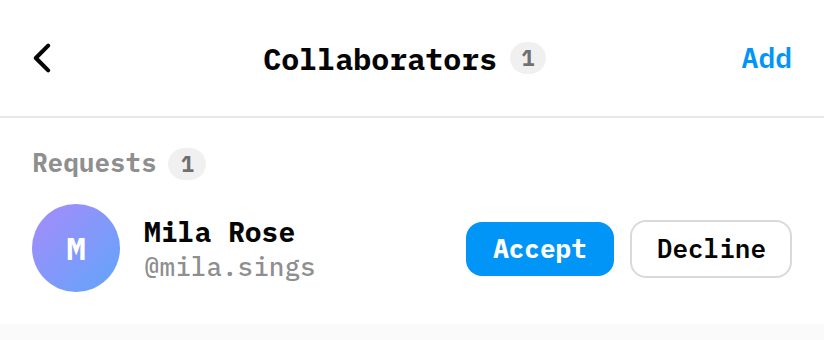
No awkward cold DM. Mila taps Request to collaborate on Noah's Journey and it switches to Requested. Noah gets the request, looks at her profile and her own Journeys, and decides.
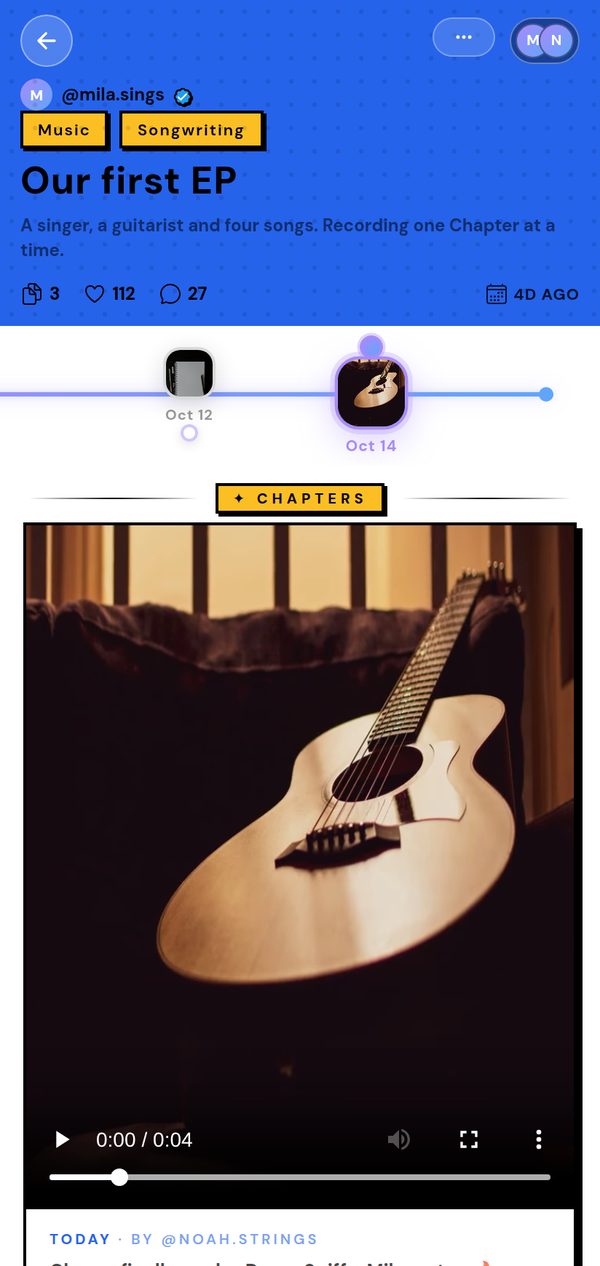
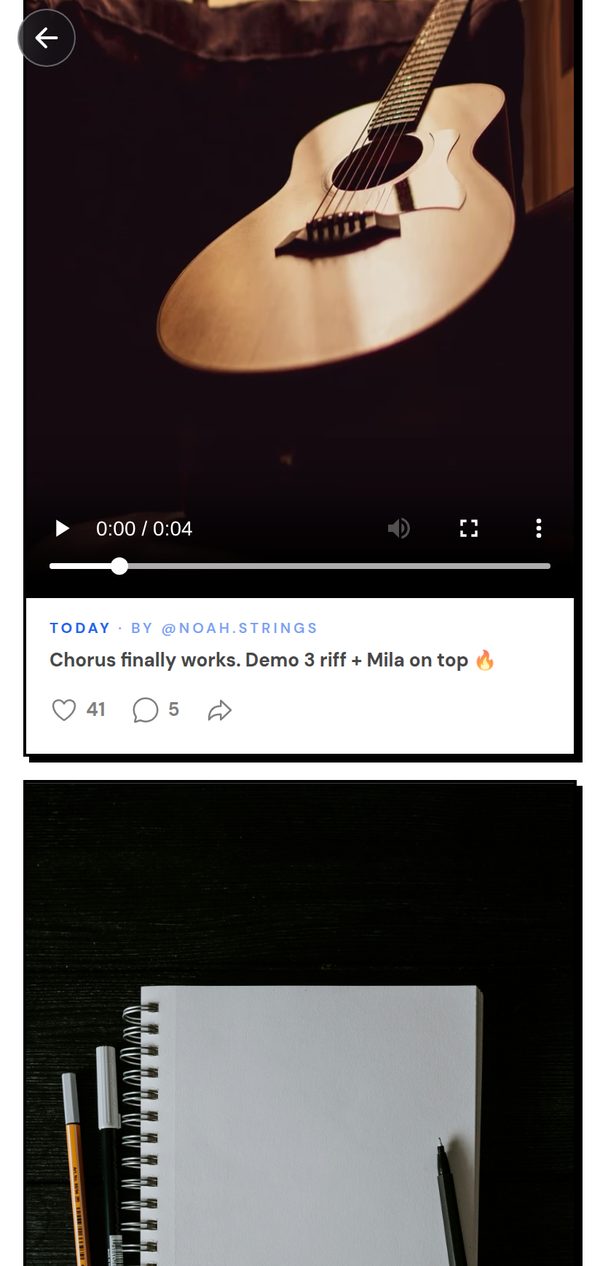
Two weeks later it's one Journey, Our first EP, with Chapters from both of them: the first session together, lyrics that finally got past sentence one, and the night the chorus worked. One story, two people writing it.
His riffs needed a voice. She was a voice.
How to find the right collaborator online
- Look for progress, not polishA finished highlight reel tells you what someone can do on their best day. A run of work-in-progress posts tells you whether they show up, improve, and finish things. That's the person you want in a band.
- Search by what's missingNeed a guitarist? Browse Music and look at what guitarists are actually making right now. Need a drummer, a designer, an illustrator? Same idea, different category.
- Show your own Chapter 1 firstBefore you ask, post something of yours: a voice memo, a page of lyrics, a rough sketch. When they check your profile, give them a reason to say yes.
- Ask small"Want to start a band?" is a big question. "Want to try one song together?" is an easy yes. You can always make it bigger later.
- Make it one shared projectPut the work in one shared Journey that you both post to. Credit stays clear, momentum is visible to both of you, and your followers get to watch it come together.
Not just for bands
Swap the guitarist for a drummer, a co-writer, a designer for your app, an illustrator for your comic, or someone to finish the scarf with. Most good things are made by more than one person. The hard part was always finding them, and the easiest way to find them is to look at what they're already making.
And if you're the one with the bedroom demos: keep posting. Someone out there is looking for exactly your riff.